



 Ask Sencha AI
Sencha Stencils 3.0 is Now Available
July 6, 2017
2364 Views
Get a summary of this article:
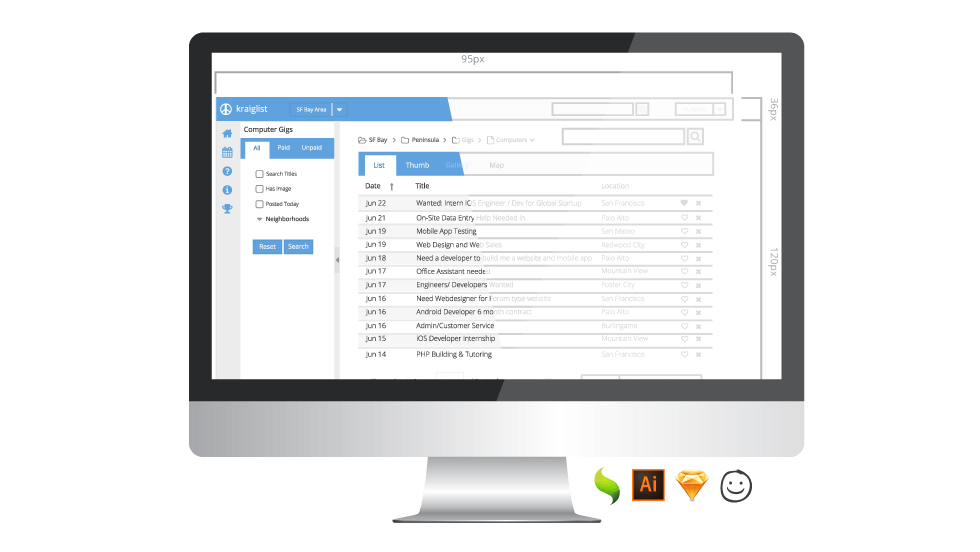
We’re excited to announce our latest release of Sencha Stencils (formerly known as Ext JS Stencils), a complete UI asset kit for designers. In this release, we have included components using the popular Material theme that’s featured in the Ext JS Modern toolkit as well as in ExtReact. Stencils has also been updated to include new components such as Calendar and Date Panel. This release contains files for Illustrator, Sketch, Balsamiq, and SVG/PNG that you can use in the design program of your choice.
Download Stencils 3.0 for free
Upcoming Webinar
Wireframing and Theming Made Easy with Stencils and Themer
Date: Wednesday, July 12, 2017
Time: 10am PDT | 1pm EDT | 6pm BST
What’s New
Material Theme Support
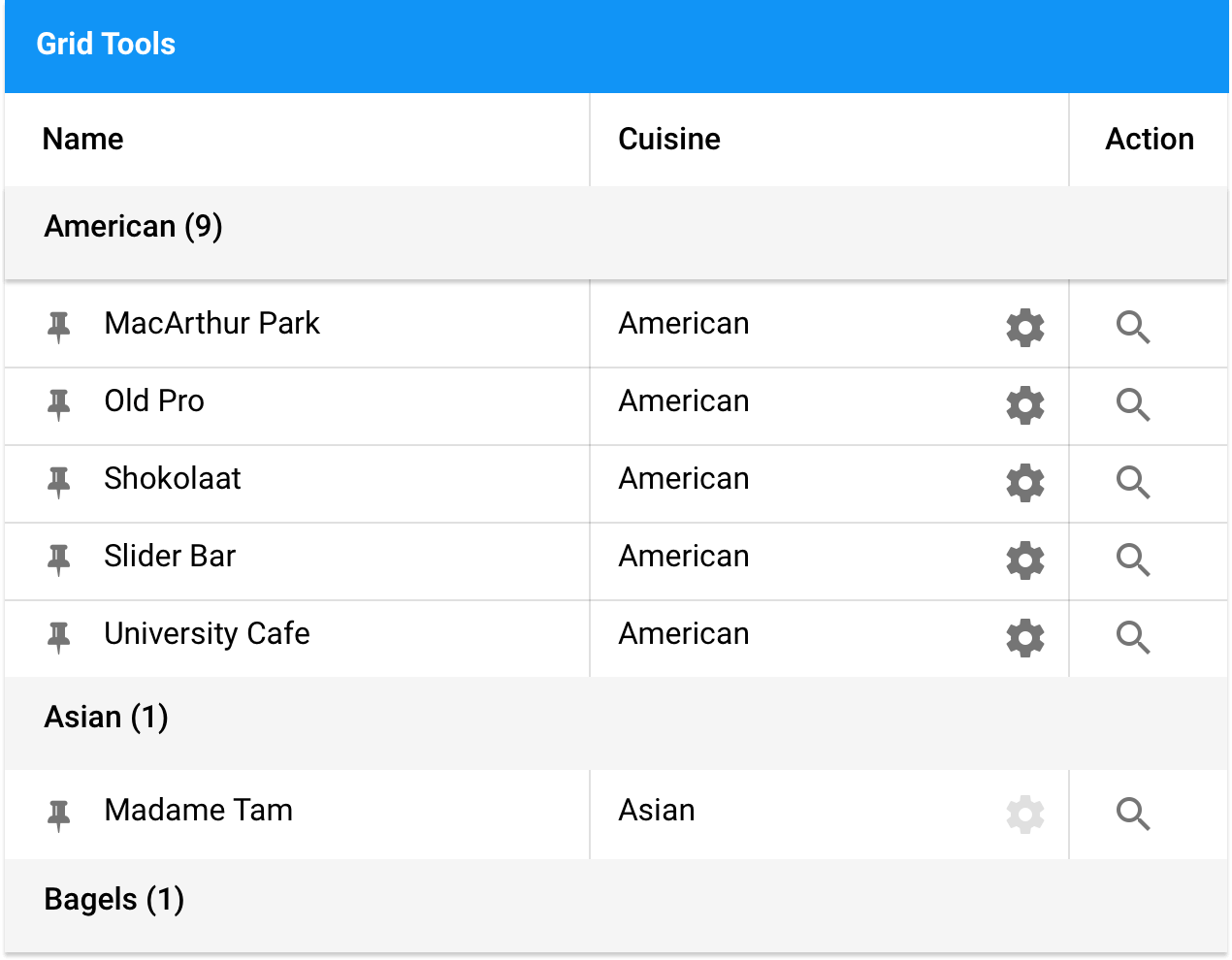
One of the most exciting updates is support for the Material theme. You can now easily create Material Design inspired mockups for your web applications. With the release of Ext JS 6.5 and ExtReact, developers can build modern web applications with Sencha’s powerful set of components, all using the Material theme. And, Stencils 3.0 contains all of these components, so you can work alongside developers using pixel-perfect visual assets in your designs.
New Components
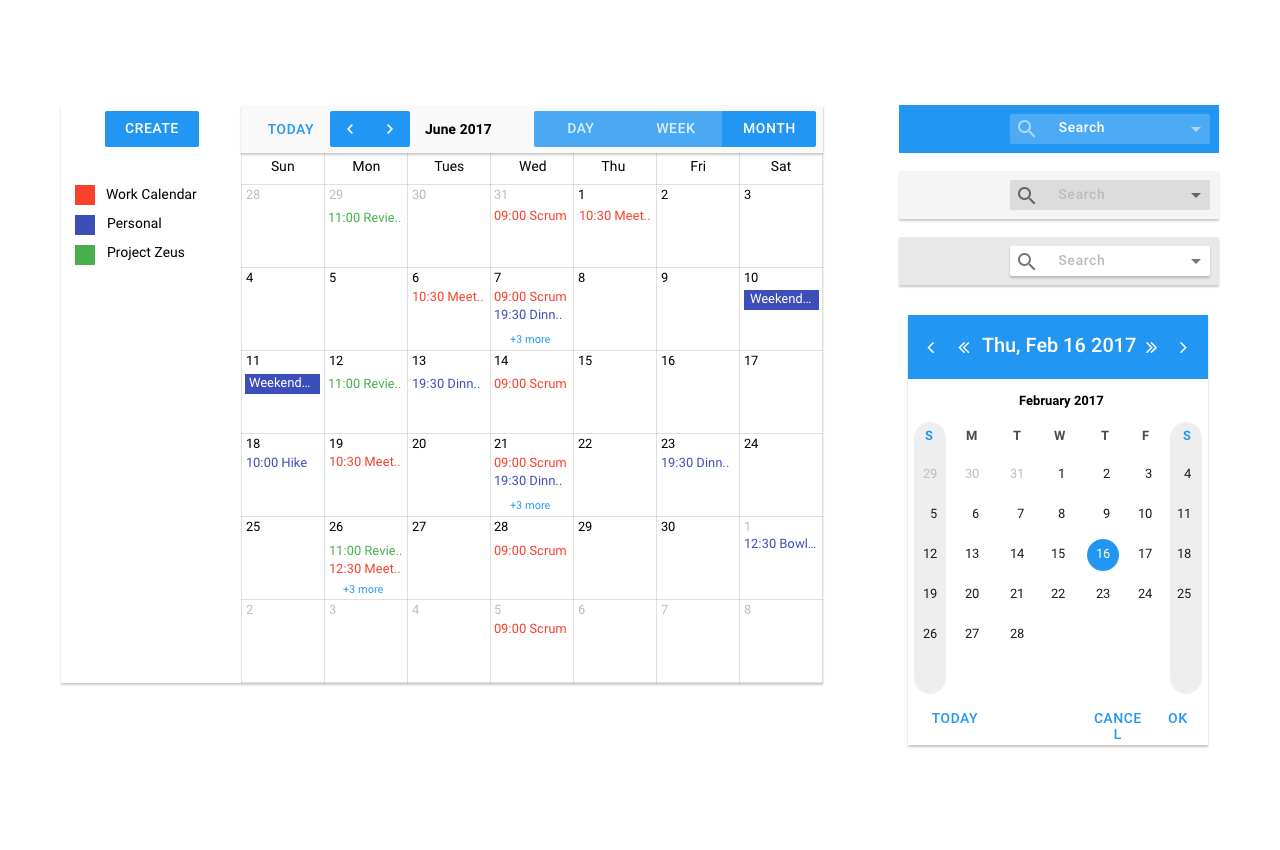
Ext JS 6.5 includes many enhancements to the Modern toolkit. This update brought a lot of the components that you loved from the Classic toolkit into the Modern toolkit, as well as a few new ones. In Stencils 3.0, you’ll find new components such as: Calendar, Date Picker, Chart Navigator, and more.
Using Stencils with Sencha Themer
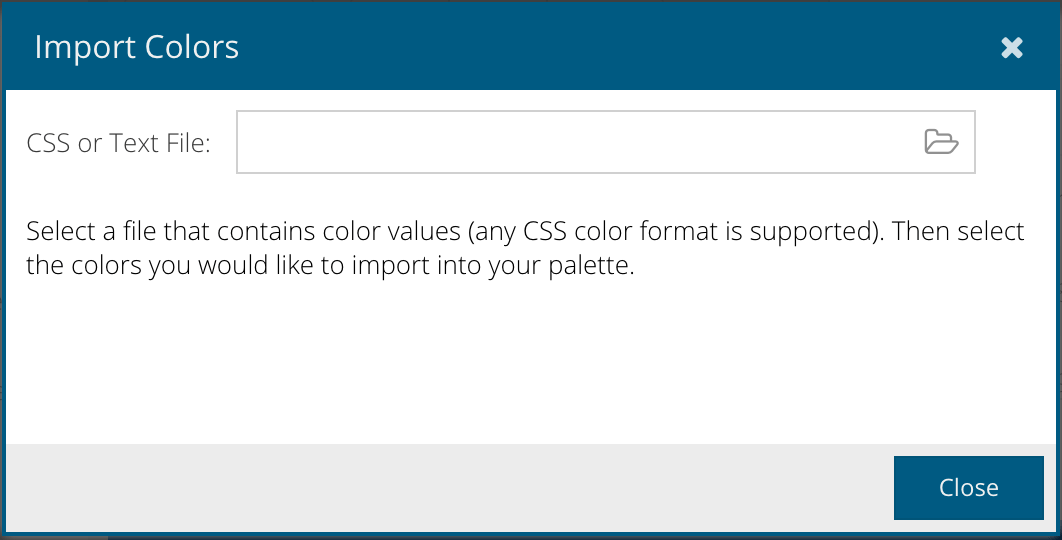
Designers and developers, who want to plan theme colors before any coding happens, have always been able to use Stencils to experiment with color combinations. Now in the most recent version of Themer, you can easily import the color data from the Stencils file. Vector editing programs like Adobe Illustrator and Sketch allow you to select shapes and export hex color values in CSS or other text formats. Once you export these files, you can then import them into Themer to populate the color picker.
Next Steps
Stencils 3.0 is packed with amazing new components and features. Add Stencils to your development workflow and make it easier than ever to build stunning web apps. Download Stencils for free and share your feedback in the Stencils forum.


Latest Content

How to Build a Reusable React Grid Component
In most enterprise React apps, the grid shows up on dozens of screens: orders, customers,…
October 9, 2026

React Grid Component: Layout and Data Grids in One Framework
Search for “React grid component,” and you will find two very different things. Half the…
October 9, 2026

How to Use the Ext JS Grid in React: Setup, Columns, Editing and Grouping
Set up the Ext JS grid in React with ReExt, then add typed columns, store-backed…
October 6, 2026


