



 Ask Sencha AI
Using Sencha Ext.Config
August 10, 2016
6925 Views
Get a summary of this article:
Guest Blog Post
In a previous article, my colleague Stan explained the foundation of the Sencha Config System and how the getters and setters work. In this post, I’m going to explain the new Ext.Config features that are available in Ext JS 6. You can also learn more by reading the Ext JS 6 docs.

Ext.Config.cached
When set as true, the config property will be stored on the class prototype once the first instance has had a chance to process the default value.
config: {
    foo: {
        $value: 42,
        cached: true
    }
}
You can find a basic example in this Fiddle, and look at the following gif:
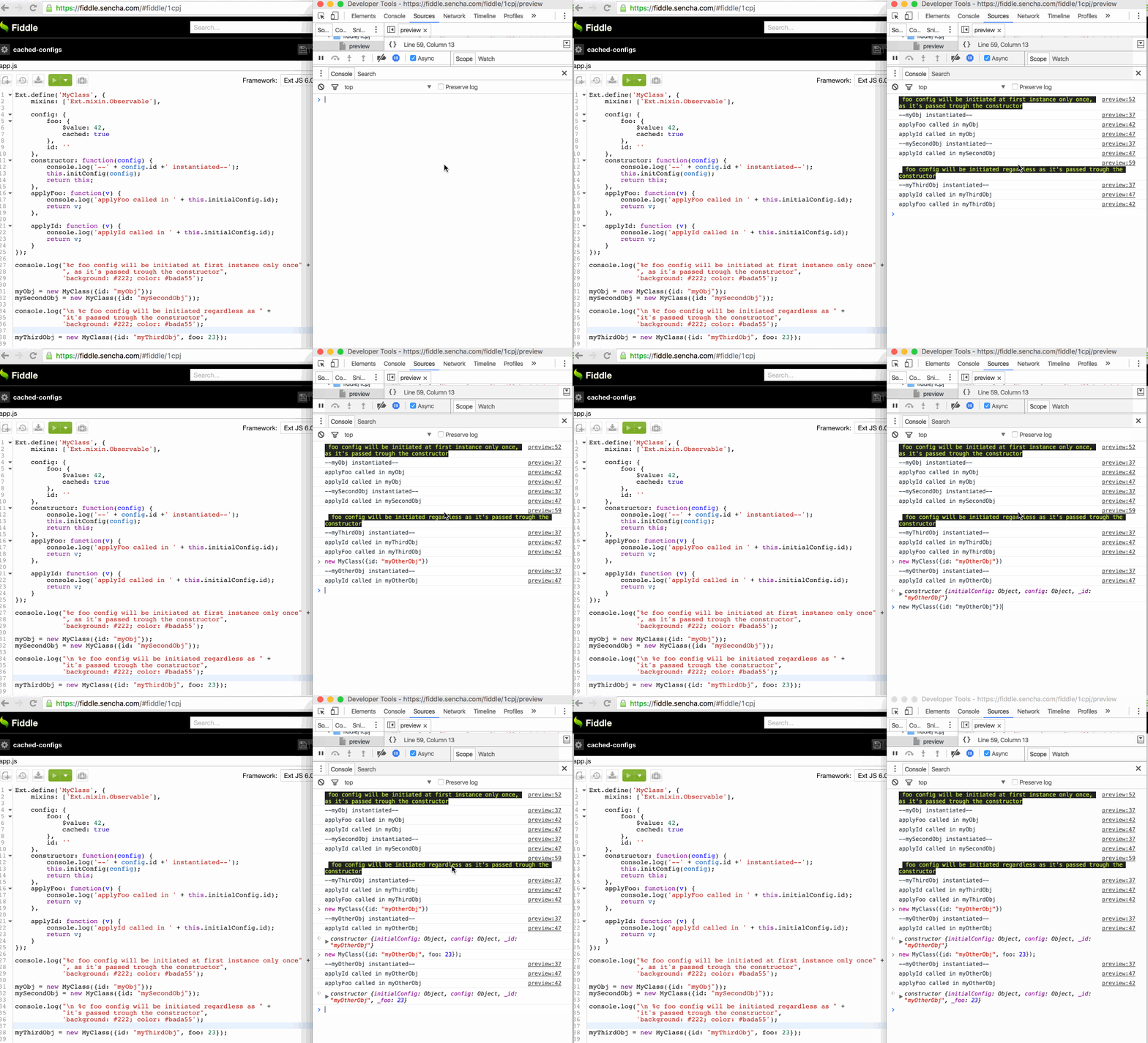
An implementation can be found in Ext.util.ElementContainer.childEls property. Caching childEls into the prototype saves memory. Some CPU cycles are also saved in the configuration phase during class instantiation.
childEls: {
    $value: {},
    cached: true,
    lazy: true,

    merge: function (newValue, oldValue, target, mixinClass) {
Checking for cached configs is easy by accessing the cachedConfigs property through the getConfigurator() method:
myObj.self.getConfigurator().cachedConfigs
This is possible because of the Ext.Configurator utility class, which is instantiated the first time you call the getConfigurator() for a specific class.
Ext.Config.evented
If this is set as true, the config property will be treated as an Ext.Evented. This means that whenever the setter of this config is called, Ext JS will automatically fire an event [configname + change]. Note that you have to include the Ext.mixin.Observable mixin and call its constructor in the defined class constructor to initialize the mixin.
Ext.define('MyClass', {
    mixins: ['Ext.mixin.Observable'],
    config: {
        foo: {
            $value: 42,
            evented: true
        }
    },
    constructor: function(config) {
        console.log('MyClass Instantiated');
        this.initConfig(config);
        this.mixins.observable.constructor.call(this, config);
        return this;
    }
});
myObj = new MyClass();
myObj.on('foochange', function() {
   console.log(arguments);
});
You can find a basic example in this Fiddle and look at the following gif:
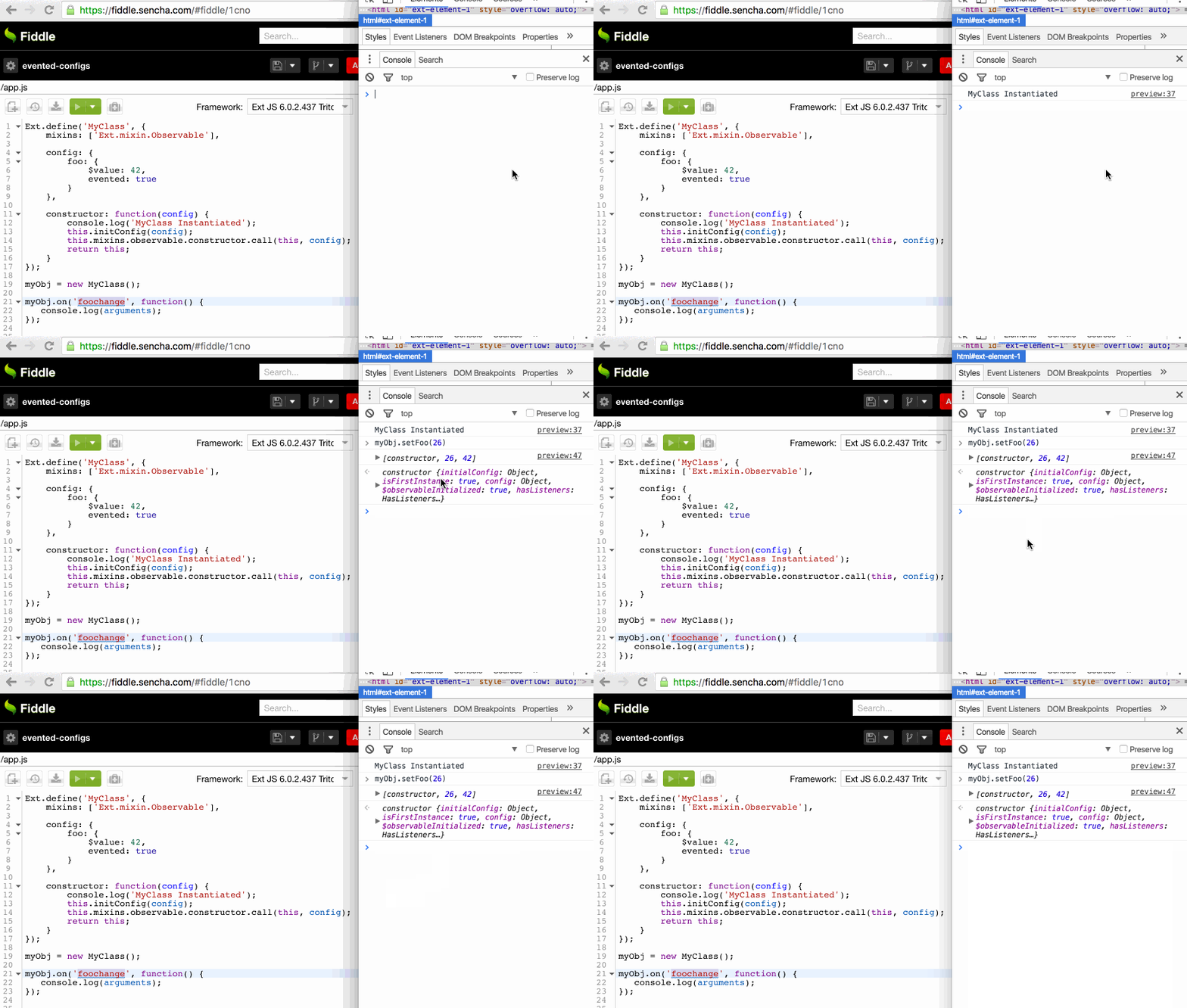
Another way of defining evented configs is by using the eventedConfig of the Ext.Evented class, which is processed in onClassExtended phase:
Ext.define('MyEventedClass', {
    extend: 'Ext.Evented',

    eventedConfig: {
        boo: 34
    },
    constructor: function(config) {
        this.initConfig(config);
        this.mixins.observable.constructor.call(this, config);
        return this;
    }
});
myEventedObj = new MyEventedClass();
myEventedObj.on('boochange', function() {
    console.log('boochange');
    console.log(arguments);
});
The defined class has to extend the Ext.Evented to create the evented configs. An implementation of this approach can be found in the Ext.Widget.width property.
Ext.Config.lazy
If a lazy config is set as true, the config property will not be immediately initialized during the initConfig call.
   config: {
        foo: {
            $value: 42,
            lazy: true
        }
    }
You can find a basic example in this Fiddle and look at the following gif:
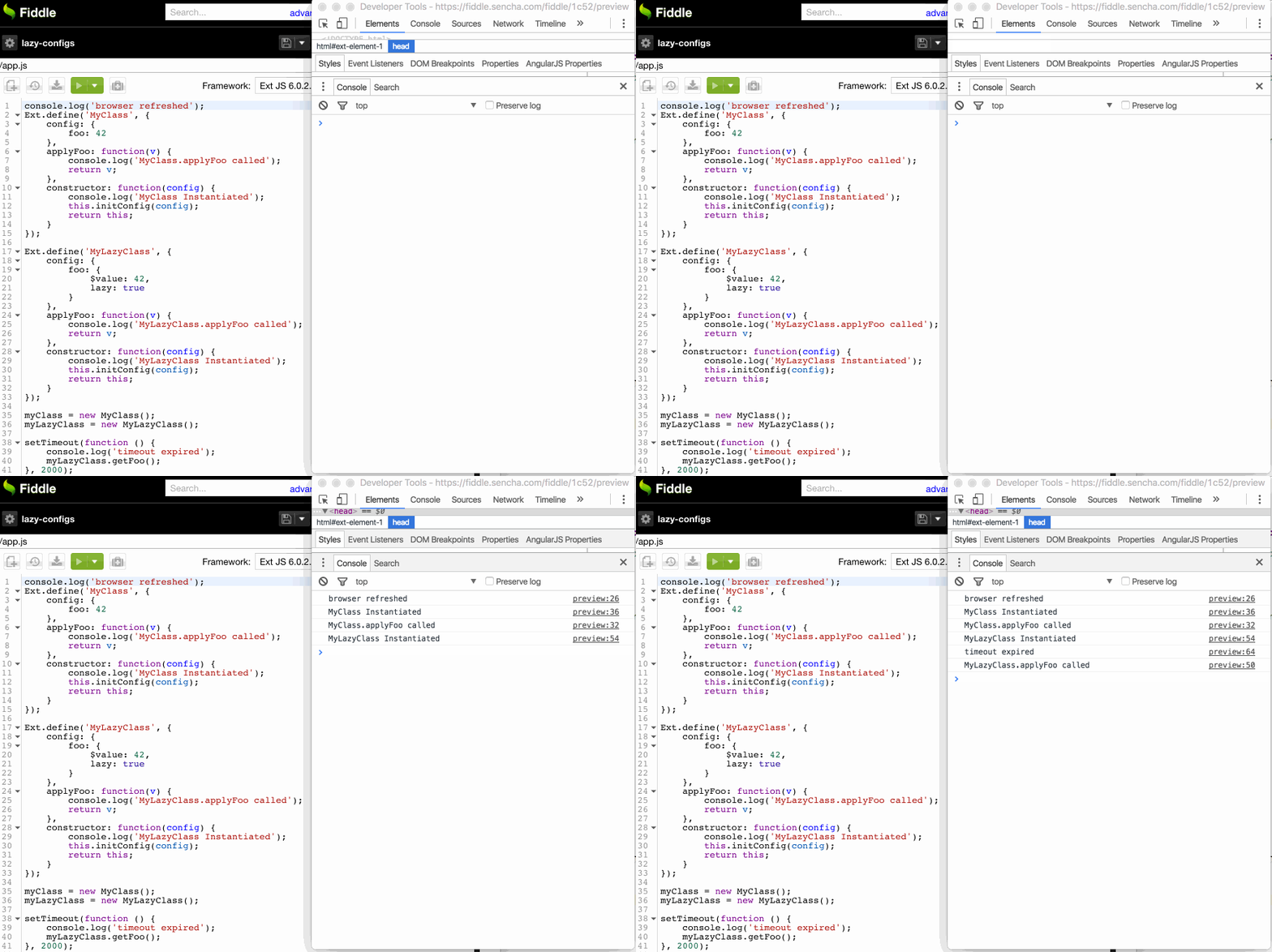
An implementation can be found in Ext.app.Application.mainView property where the mainView is created lazily. So performance-wise, it’s created when it’s used, not when the app is instantiated.
Ext.Config.merge
The merge config accepts a function which will be called as instances are created or derived classes are defined. The merge function accepts the new values and the inherited value and returns the combined config value. On further calls that returned value will be provided as oldValue through an argument:
Ext.define('MyClass', {
    config: {
        foo: {
            $value: [42],
            merge: function(newValue, oldValue) {
                var val = [].concat(newValue, oldValue);
                return val;
            }
        }
    },
    constructor: function(config) {
        this.initConfig(config);
        return this;
    }
});

Ext.define('MyExtendedClass', {
    extend: 'MyClass',
    foo: [23]
});

var myObj = new MyClass({
    foo: 123
});
//MyClass.foo:  – [123, 42]

var myExtendedObj = new MyExtendedClass({
    foo: 321
});
//MyExtendedClass.foo:  – [321, 23, 42]
You can find a basic example in this Fiddle and look at the following screenshot:
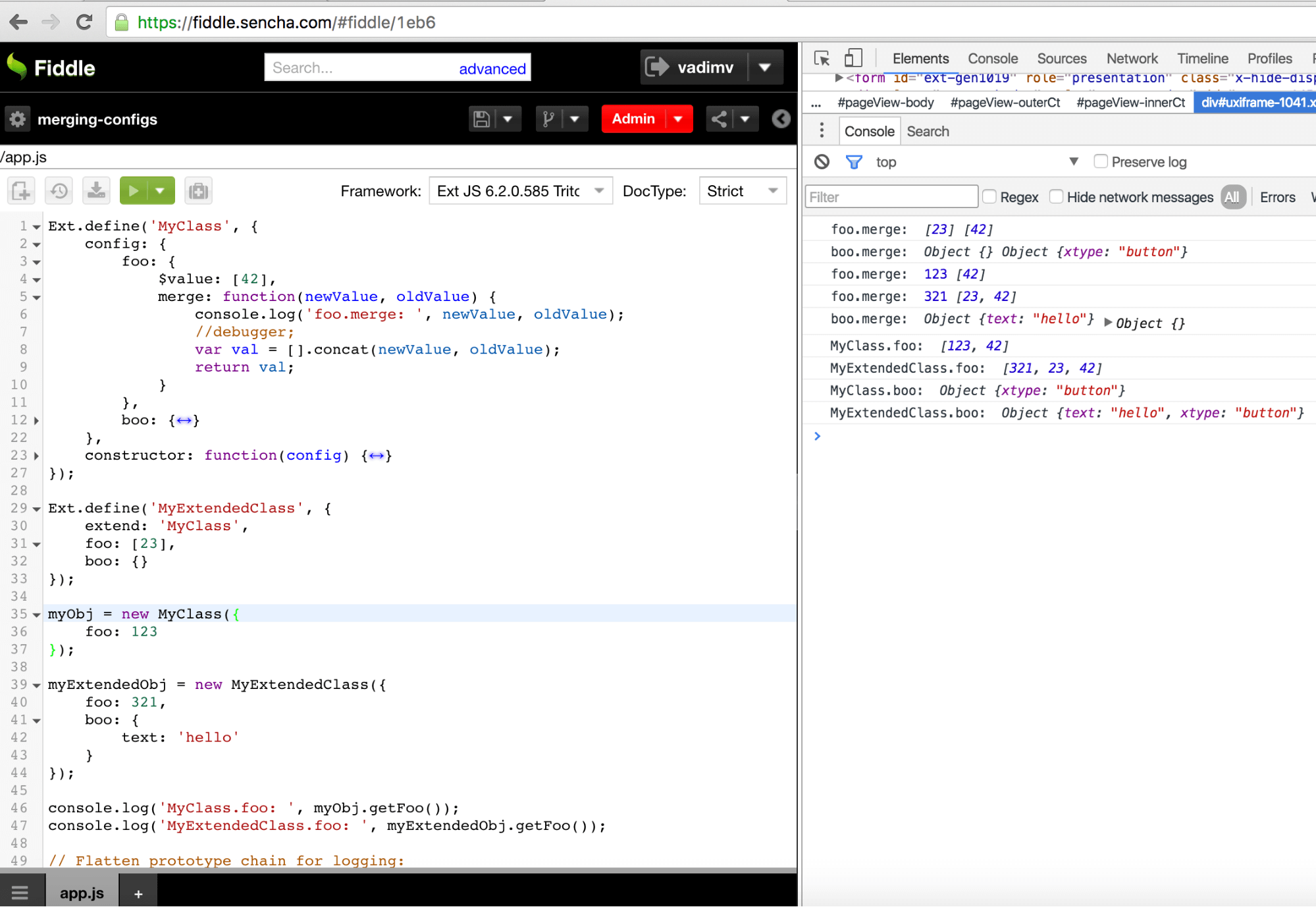
An implementation can be found in Ext.panel.Header.title property where the merge config is used for merging a given title config with the default one:
title: {
    $value: {
        xtype: 'title',
        flex: 1
    },
    merge: function(newValue, oldValue) {
        if (typeof newValue !== 'object') {
            newValue = {
                text: newValue
            };
        }
        return Ext.merge(oldValue ? Ext.Object.chain(oldValue) : {}, newValue);
    }
}
Also, you could use the Ext.Config.mergeSets method to do your merges:
twoWayBindable: {
    $value: null,
    lazy: true,
    merge: function (newValue, oldValue) {
        return this.mergeSets(newValue, oldValue);
    }
}
Conclusion
Ext JS provides a lot of components and an easy way to extend them or build new ones. The Config System has a big role in achieving that, and it’s a core part of the framework. Besides that, it’s the best and most powerful Config System we’ve seen in a framework. If you’re working on your custom components, check out these suggestions and let us know how you used the configs.


Latest Content

How to Handle Millions of Rows in a React Data Grid: Buffered Rendering and Server-Side Data
A React data grid that feels instant with 1,000 rows can freeze with 100,000 and…
October 16, 2026

How to Choose a React Grid Component: 12 Features Enterprise Apps Need
Picking a React grid component looks easy in week one. Every option sorts columns and…
October 16, 2026

Enterprise React Data Grid: The Features Enterprise Teams Need, and What Each Grid Includes
Almost every enterprise React data grid advertises the same features: grouping, pivoting, Excel export, clipboard,…
October 16, 2026


