








Announcing Sencha Themer 1.3.2 GA
August 2, 2018
1972 Views
Get a summary of this article:
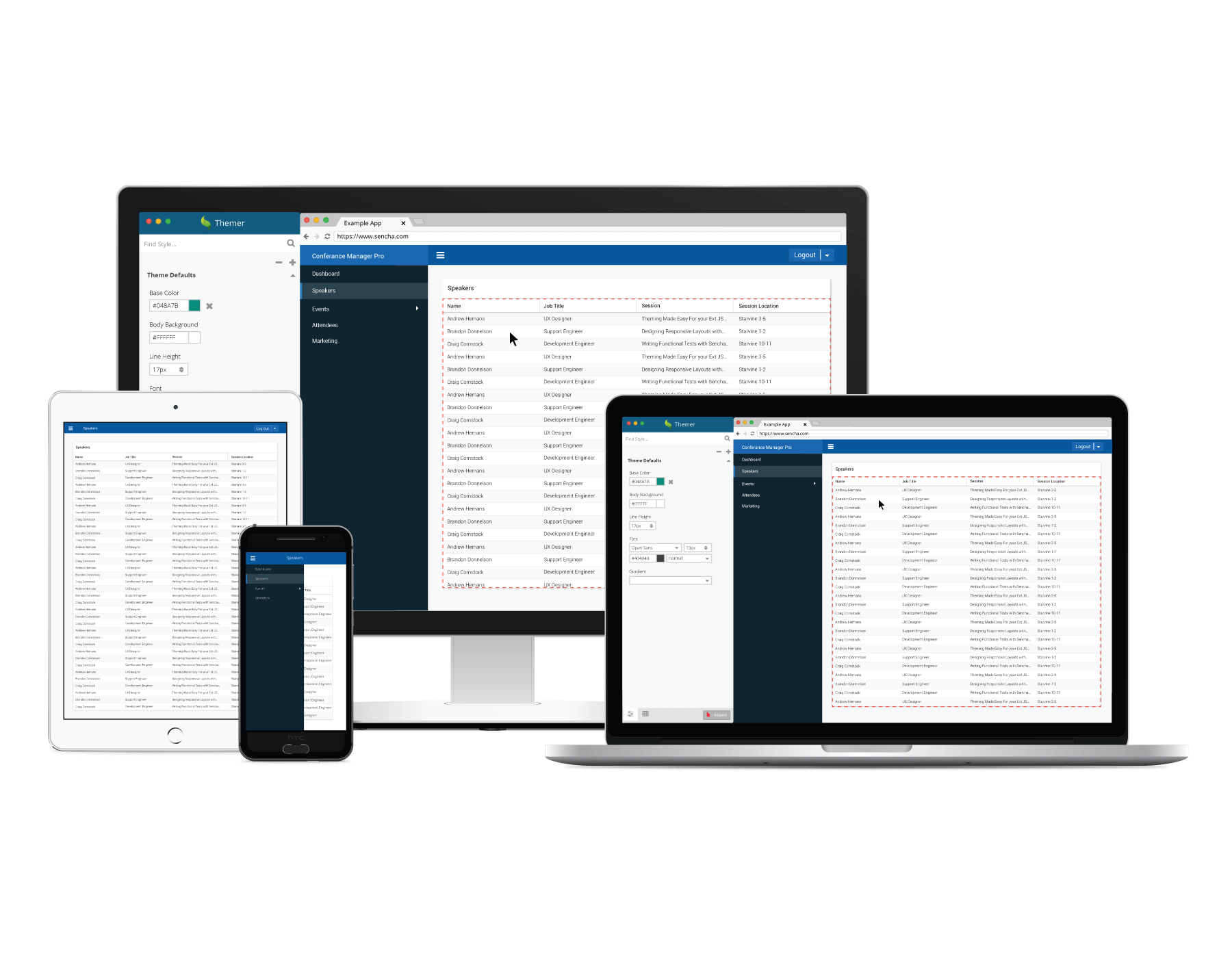

We’re excited to announce the release of Sencha Themer 1.3.2, which supports the latest Ext JS 6.6 framework and components, including the new Graphite theme, and ExtReact based applications. This release also supports Ext JS 6.6 applications created using npm and open tooling.
Download Now
- Existing Sencha Themer users: Within Sencha Themer, you will get a notification to upgrade Themer to version 1.3.2
- Ext JS Pro, Premium, Enterprise and ExtReact Premium customers: Download Sencha Themer from the Support portal
- Download Themer as part of a free 30-day trial with:
Note: Cmd 6.5.1 or higher is required for Themer 1.3.2
What’s New
Theme Ext JS 6.6 and applications created using open tooling
Ext JS 6.6 with npm and open tooling fundamentally changes how you build and create Ext JS apps. All Ext JS customers now have access to the Ext JS framework, components and themes available as npm packages that are hosted in the npm repository at npm.sencha.com. Themer 1.3.2 supports theming applications created using the new open tooling ExtGen and ExtBuild.
Once you create your application with ExtGen:
ext-gen app -i
You can use Themer to create a new theme by selecting the path to your generated app in hemer. To add additional themes to your application, you will need to install corresponding theme packages in your application. For example, to add the Triton theme package to an app currently using Material theme, use the following command:
npm i @sencha/ext-modern-theme-triton –save
Themer will show all available themes that are installed in your application as base themes. As you theme your app, the generated application will use the webpack development server so that any changes to the app will be immediately reflected in the browser.
You have the option to continue using Sencha Cmd and Fashion instead of the webpack development server. In such case, you will use:
npx sencha app watch -fashion

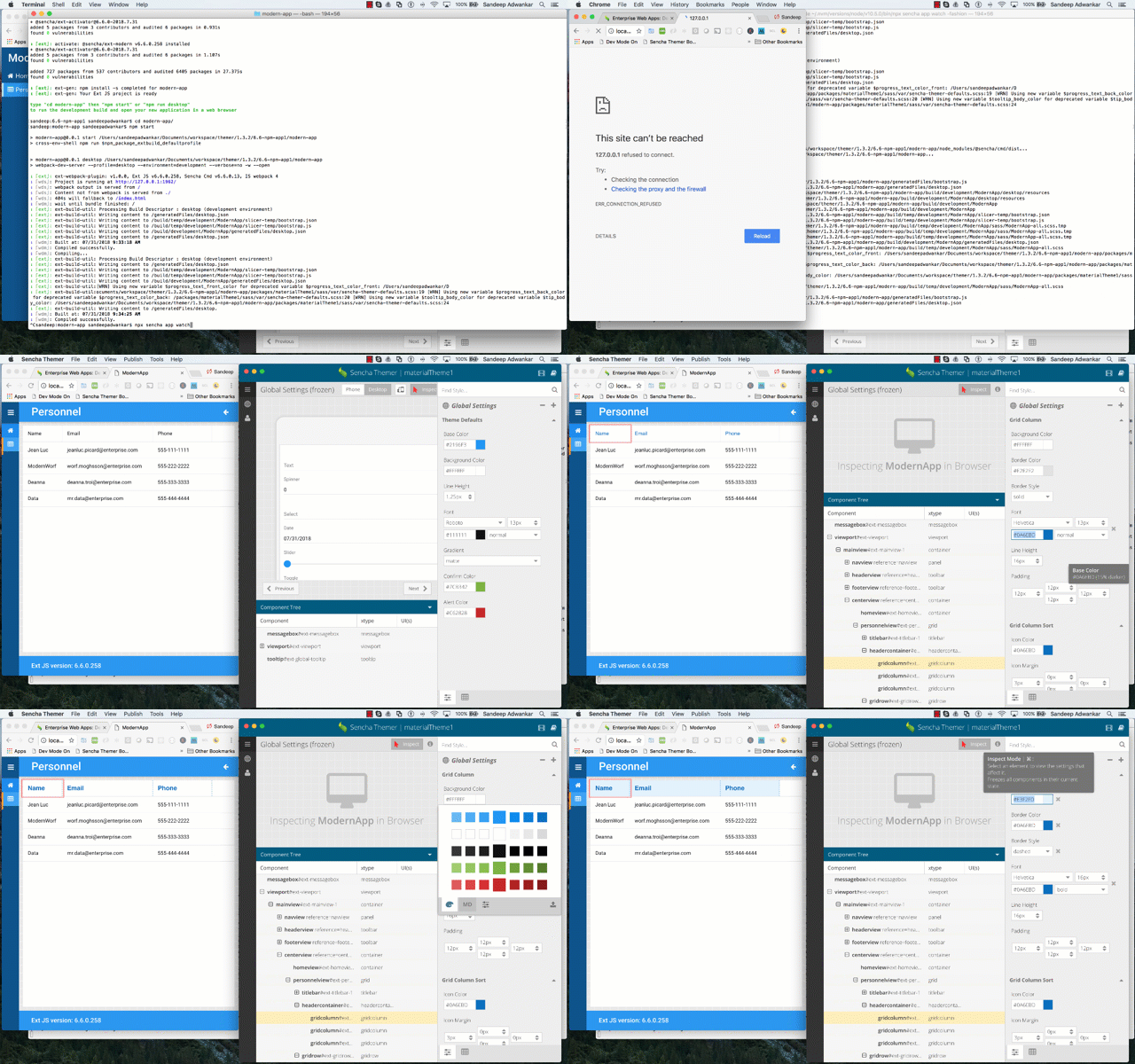
Creating new theme, inspecting and styling app with Themer
Note: You will need to restart “npm start” or “npx sencha app watch -fashion” after creating the new theme within the application workspace.
Support for visually styling new Ext JS components – Time Panel, Time Field
Ext JS 6.6 now includes modern time field and time panel components that provide an analog time view based on material design specification. The Time Panel component has 80+ Sass variables and mixin options to customize it for unique styling. The Time Field has 90+ Sass variables and mixin options. Themer 1.3.2 makes it easy to theme the apps using these components without writing Sass code. You can visually style applications using graphical tools and rapidly create custom theme.

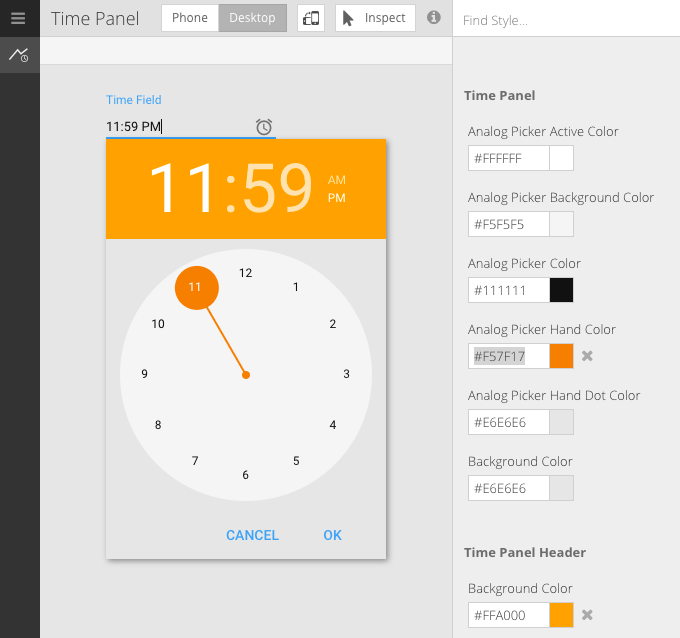
New Ext JS 6.6 Time Panel component with customized Material theme
Support for customizing new accessible Graphite theme
Ext JS 6.6 includes a new beautiful graphite theme which is an accessible high-contrast theme and is designed to make applications that are easier for visually impaired users to view. The Graphite theme can be used out-of-the-box for your applications or can be extended using Themer 1.3.2 to create a customized look and feel. Each component can be individually customized to give you full control over the colors, fonts and paddings of the Graphite theme.

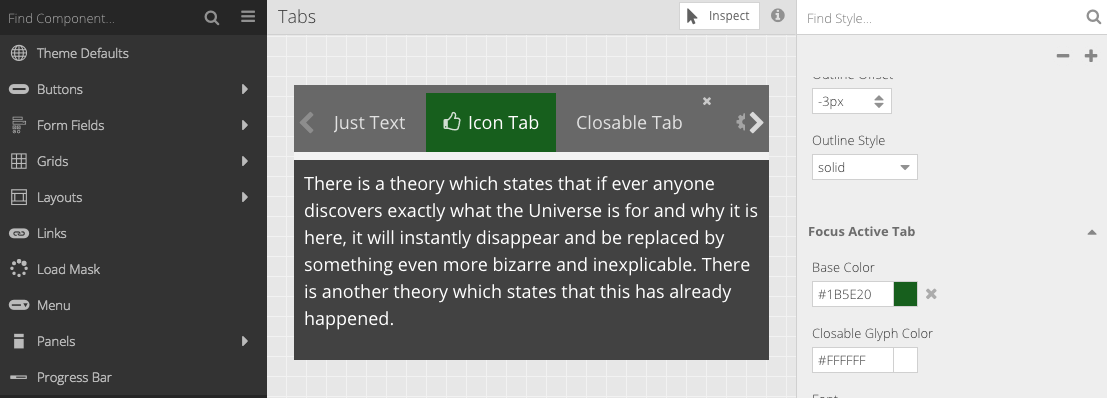
Customizing the Graphite Theme
Try It and Share Your Feedback
We’re excited about this release, and we hope you enjoy building great looking apps with Themer 1.3.2. To learn more, read the docs and then try it out. We look forward to reading your comments and feedback in the Sencha Themer forum.



Latest Content


How to Build a Reusable React Grid Component
In most enterprise React apps, the grid shows up on dozens of screens: orders, customers,…
October 9, 2026

React Grid Component: Layout and Data Grids in One Framework
Search for “React grid component,” and you will find two very different things. Half the…
October 9, 2026

How to Use the Ext JS Grid in React: Setup, Columns, Editing and Grouping
Set up the Ext JS grid in React with ReExt, then add typed columns, store-backed…
October 6, 2026


