Ask Sencha AI
TypeScript vs. JavaScript — Choosing the Right Language for Your Project
December 8, 2023
35658 Views
Get a summary of this article:
In the realm of software development, choosing the correct programming language can significantly impact the software/app’s performance, success, maintainability, and efficiency. JavaScript and TypeScript are the two main programming languages when it comes to web development. JavaScript is a simple, versatile and probably the most used programming language for web development. TypeScript is like JavaScript, or you can say it’s built on top of JavaScript. However, it adds static typing and other modern features that JavaScript lacks.
But which language should you use for your project? While both languages have their benefits, selecting the right one for your project depends on several factors. These include project requirements, learning curves, and more. For instance, if you’re working on a project that requires a quick development cycle, using JavaScript and a JavaScript framework would be the right option. On the other hand, TypeScript would be a better choice for larger projects focused on maintainability and scalability.
In this article, we’ll provide a detailed java script vs type script comparison, exploring their key differences and use cases to make it easier for you to decide which programming language is best suited for your project. We’ll also highlight the importance of JS frameworks and how they empower web applications.
The Power of JavaScript: A Foundation for Web Development
JavaScript is undoubtedly the fundamental and most popular language for web development. Almost every web developer is familiar with it and has used it in at least one of their projects. One of the main reasons for the widespread adoption of JavaScript is its versatility. It can be used for both server-side and client-side applications. Moreover, JavaScript has a massive and active developer community. This makes it easier for JavaScript developers to find help and learn new JS features and best practices. Many learning resources related to JavaScript are also available on the web, which often sparks the debate of java script vs type script when choosing the right language for modern projects.
JavaScript for Client-Side
Here is how JavaScript is used in client-side (browser) applications:
- JavaScript is known for its dynamic nature. It enables developers to create interactive and functional user interfaces.
- Developers can manipulate the DOM (Document Object Model) dynamically using JavaScript or JavaScript frameworks. This allows them to create responsive web applications.
- While JavaScript lacks native support for concurrency, it supports asynchronous programming through features like Promises, callbacks, and async/await.
- All major web browsers support JavaScript. Hence, it’s a great choice for client-side scripting and creating cross-browser-compatible apps.
- JavaScript has an outstanding ecosystem of front-end JS frameworks and JavaScript libraries. These include Ext JS, React, Angular, Vue, and more. These JS frameworks and libraries speed up the web development process.
JavaScript for Server-Side
- With the emergence of Node.js, JavaScript can be used for server-side rendering. Node.js is essentially a JavaScript runtime. It enables developers to build high-performance and scalable server-side applications.
- Developers can also leverage JavaScript and frameworks like Socket.io to build real-time apps. These include online gaming apps, chat applications, and more.
JavaScript’s Dynamic Typing: A Double-Edged Sword
JavaScript has a dynamic typing system. This means variables are assigned a type at runtime, depending on their value at that time. In other words, we don’t need to declare variables explicitly in the code in dynamically-typed languages.
let a = 27;      // Number
a = "Hello";     // String
a = true;        // Boolean
JavaScript also supports type coercion for certain operations. Type coercion essentially means the automatic conversion of values from one data type to another (such as string to number).
JavaScript’s dynamic typing has various benefits. For instance, it gives developers the freedom and flexibility to work with different data types without worrying about type declarations. This also accelerates the web application development process. Moreover, dynamic typing makes prototyping easier.
However, dynamic typing also has its drawbacks and limitations. For instance, type mismatch errors occur when we execute the code. This is because type-checking occurs at runtime. This leads to runtime errors, prolonging the development process. Moreover, dynamic typing often makes the code difficult to read and maintain. This is especially true for complex projects with a large codebase.
TypeScript: Bringing Static Typing to JavaScript
TypeScript is another popular programming language for web development. It is basically a superset of JavaScript. This means that a valid JavaScript code is also usually a valid TypeScript code. However, the difference between TypeScript and JavaScript is that TypeScript adds static typing and other advanced features that JS lacks. The purpose of TypeScript is to make web development projects more maintainable and robust.
Benefits of Static Typing
Typescript’s static typing offers various benefits:
- Static typing improves code predictability by allowing developers to define the variable/data types in the code clearly at compile time.
- Another benefit of static typing is early error detection. Since we declare data types and function parameters in the code, errors can be detected at compile-time instead of runtime.
- Type annotations within the code make it easier to understand and maintain code.
- Static typing also provides enhanced refactoring support. This makes it easier to modify the code without introducing errors.
Features of TypeScript
TypeScript extends JavaScript by adding the following advanced features:
- Interfaces: With TypeScript’s interfaces, developers can define contracts or shapes for JavaScript objects.
- Enums: Enums enable developers to declare a set of named constants. This improves the code’s readability.
enum Colors {
  Organe,
  Pink,
  Blue,
}
let result: Color = Color.Orange;- TypeScript offers advanced features related to type-checking. These include intersection types, conditional types, generics, and union types. These features make it easier for developers to define complex relationships between types.
Comparison of TypeScript vs. JavaScript
| Aspects | JavaScript | TypeScript |
| Language Fundamentals |
|
|
| Type System |
|
|
| Tooling and Development Experience |
|
|
| Benefits |
|
|
Tooling and Libraries: Expanding JavaScript’s Horizons
JavaScirpt has a vast ecosystem of tools, frameworks and libraries that ease the web development process. These tools enable developers to create various types of high-performance apps quickly.
Here are some common tools, JS frameworks, and libraries of the JavaScript ecosystem:
- npm (Node Package Manager)
- Webpack and Parcel (Bundlers)
- Jasmine and Mocha (Testing frameworks)
- jQuery (JavaScript library for DOM manipulation)
- Axios (HTTP Requests)
- Gulp and Grunt (Task runners)
- Ext JS, React, Angular, and Vue (Front-end development frameworks)
- Express.js (Backend framework)
- Redux and Vuex (State management)
JavaScript Frameworks: Empowering Web Applications
A wide range of front-end JavaScript frameworks are available that make web development quicker and easier. Some of the most popular javascript frameworks include:
Ext JS
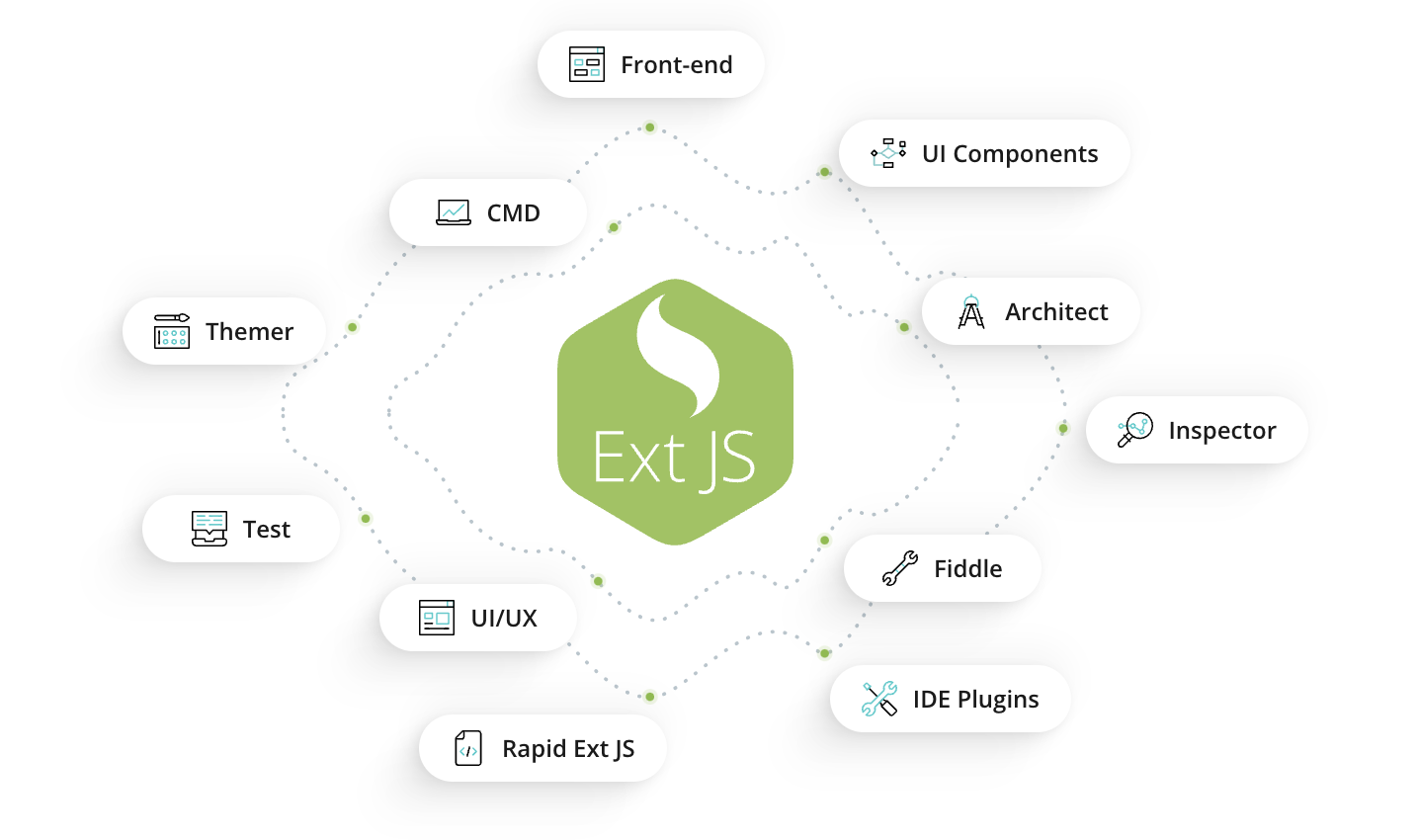
Ext JS is a leading JS framework for building high-performance enterprise-grade web and mobile applications. The robust framework offers over 140+ pre-built UI components for building web applications quickly. All these components are responsive, fully tested and highly customizable. Moroever, these components work seamlessly in any app to provide an outstanding user experience. Ext JS also supports a range of charts and D3 visualizations for building data-intensive apps.
Some other prominent features of the Ext JS framework include:
- Cross-browser support
- Cross-platform compatibility
- Layouts and themes
- Two-way data binding
- MVVM architecture
- Highly secure
- Detailed documentation
- Lots of learning resources are available, including tutorials, ebooks, and webinars
React JS

React is an open-source JavaScript framework that enables developers to build attractive and interactive UIs.
Some of the main features of React include:
Here are some of the key features of React:
- Component-based architecture
- Reusable components
- Virtual DOM
- React Developer Tools
- Uni-directional data flow
- Huge developer community
- Flux controls
Angular
Angular is a TypeScript-based framework that is widely used for creating single-page applications.
Here are the key features of Angular:
Key features of Angular include:
- Open-source framework
- MVC architecture
- Highly customizable
- Easy to learn. No Pre-requisite knowledge required
- Easy to extend
- Easy to test
- Supported by Google
Benefits of JS Frameworks
- JS frameworks provide pre-written code libraries and ready-to-use, fully-tested UI components. This means developers don’t have to write code for repetitive tasks again and again. Hence, JS frameworks accelerate web development.
- Best JS frameworks offer professionally designed UI components. Hence, they enable developers to build aesthetically appealing user interfaces.
- Best JavaScript frameworks are cross-browser compatible.
- JS frameworks enable developers to build responsive UIs.
Also Read: 5 Main Steps to DOM Manipulation Using JS Frameworks
Modern JavaScript: ES6 and Beyond
ES6, also known as ECMAScript, is a major update to JS. This update introduced various advanced features and improvements. These include arrow functions, spread/rest operators, array and object destructuring, async/await, and more. These features enable developers to write more readable and maintainable code.
Also read: 10 Advanced JavaScript Tricks for Experienced Developers.
Conclusion
JavaScript and TypeScript are two popular programming languages for developing web applications. JavaScript is a simple and versatile language that supports dynamic typing. TypeScript extends JavaScript by adding static typing and features like interfaces, enums, and advanced type-checking. This article discusses the core concepts of JavaScript’s dynamic typing and TypeScript’s static typing. We’ve also compared various other features of JavaScript vs. TypeScript.
Frequently Asked Questions (FAQs)
1. Why do so many developers move from JavaScript to TypeScript after their projects grow?
Many teams start with JavaScript because it’s flexible and fast to set up. But as applications scale and the codebase grows, developers often switch to TypeScript because static typing helps prevent bugs, improves maintainability, and makes collaboration easier across large teams.
2. Is TypeScript really necessary for modern web applications?
Not always. Smaller projects, prototypes, or quick MVPs can work perfectly well with JavaScript. However, when applications become complex and involve multiple developers, TypeScript can significantly improve code quality and long-term stability.
3. Why do some developers still prefer JavaScript even when TypeScript exists?
JavaScript offers simplicity and flexibility. Developers who prefer rapid experimentation, lightweight setups, or smaller codebases often stick with JavaScript because it allows faster iteration without additional configuration.
4. What problems usually appear when large applications rely only on JavaScript?
As projects grow, dynamic typing can lead to unexpected runtime errors, unclear data structures, and difficult debugging. These challenges often make large JavaScript applications harder to maintain over time.
5. Does TypeScript make development slower for beginners?
Initially, TypeScript may feel slower because developers must define types and understand additional concepts. However, many teams find that once they become familiar with it, development actually becomes faster due to better tooling and fewer runtime issues.
6. Can teams mix JavaScript and TypeScript in the same project?
Yes, many projects gradually adopt TypeScript while still keeping existing JavaScript code. This allows teams to improve maintainability without rewriting the entire application at once.
7. Why do many enterprise teams prefer TypeScript today?
Enterprise applications often involve large teams, complex features, and long-term maintenance. TypeScript helps enforce consistency across the codebase, making it easier for developers to understand, modify, and scale the application.
8. Is JavaScript still relevant in a TypeScript-driven ecosystem?
Absolutely. JavaScript remains the foundation of modern web development. TypeScript simply enhances JavaScript with additional features, which means understanding JavaScript is still essential for every web developer.
9. When should a team avoid switching to TypeScript?
If a project is small, short-lived, or maintained by a single developer, the overhead of TypeScript may not always provide significant benefits. In such cases, JavaScript can remain the more practical choice.
10. What is the biggest advantage developers notice after adopting TypeScript?
One of the most noticeable benefits is improved developer confidence. With static typing and better tooling support, developers can refactor code more safely and identify potential issues before they reach production.

 8
8
 2
2
Latest Content

Enhancing Component Logic: A Developer’s Guide to Ext JS Plugins
In the world of Ext JS, reusability is king. While subclassing a component is a…
May 15, 2026

Upgrading Ext JS 7.x to 8.0: A Practical Enterprise Guide
For teams already running Ext JS 7.x, upgrading to Ext JS 8.0 is usually a…
May 15, 2026

Upgrading Ext JS 6.x to 8.0: A Practical Guide
For organizations maintaining Ext JS 6.x applications, upgrading to Ext JS 8.0 is typically a…
May 15, 2026