








Introducing Froala into your Sencha Applications
October 9, 2018
6190 Views
Get a summary of this article:


We are excited to announce that Froala has recently joined the Developer Tools portfolio and the Sencha family! Froala offers a drop-in WYSIWYG rich text editor with a simple but powerful user interface for creating and editing web content more easily and quickly. Aside from the text editor, the company’s products include over 170 pluggable, open-source design blocks for building modern web applications. We can now add improved text editing capabilities to applications built with Best Javascript Framework, GXT, and ExtReact thanks to Froala. Why don’t you take a free tour? Try the WYSIWYG Editor for free!
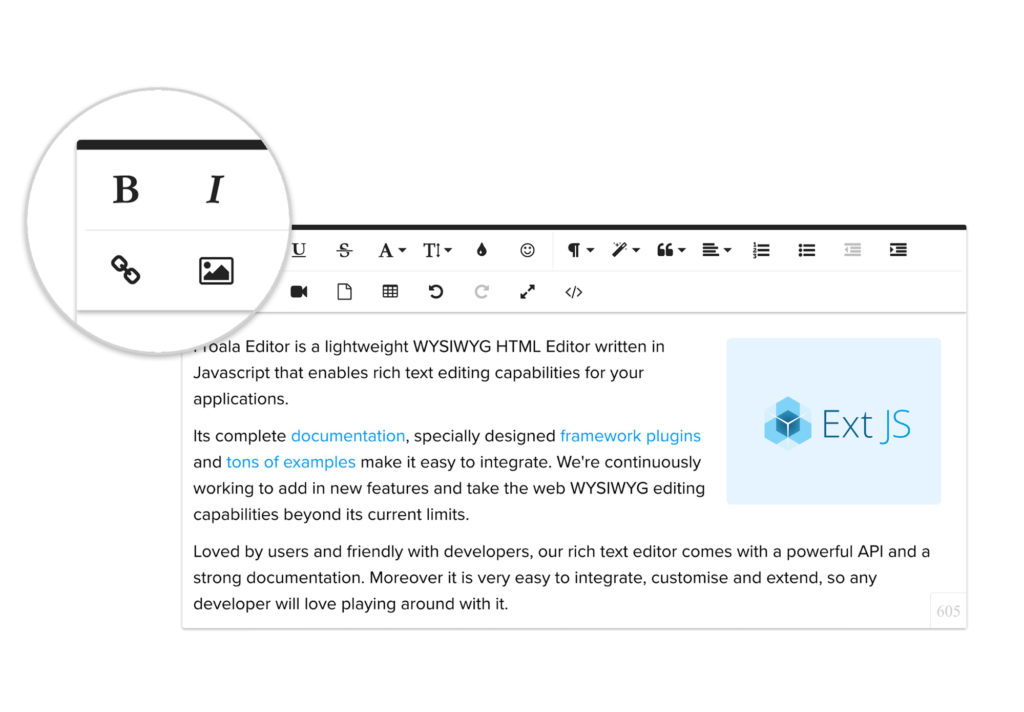

Froala WYSIWYG Editor
The Froala editor is a beautiful Javascript web editor that’s easy to integrate for developers and your users will simply fall in love with its clean design. It’s so easy to add to your Javascript application by simply doing two steps. All you have to do is:
- Follow the getting started guide and import the Froala Javascript and CSS files into your application.
- Invoke the Froala editor to render the editor over the textarea.
That’s it! Now it’s ready to extend it further in your web application. It supports all the popular frameworks right off the bat. Try it out and see how easy it is by implementing it in your language or framework here.
Features
I get requests all the time for a more complex editor, and now we have an option with Froala. Like supporting RTL and all the popular languages, this editor scales nicely because of its high performance in complex and data rich applications.
Check out some of these nifty features:
- RTL & LTR support
- Over 37 languages supported
- Fully customizable, supports your branding
- Render images and document image placement
- Full page, popup, iframe editing modes and more
- Tables support
- 3rd party extension like the Wiris Math Editor
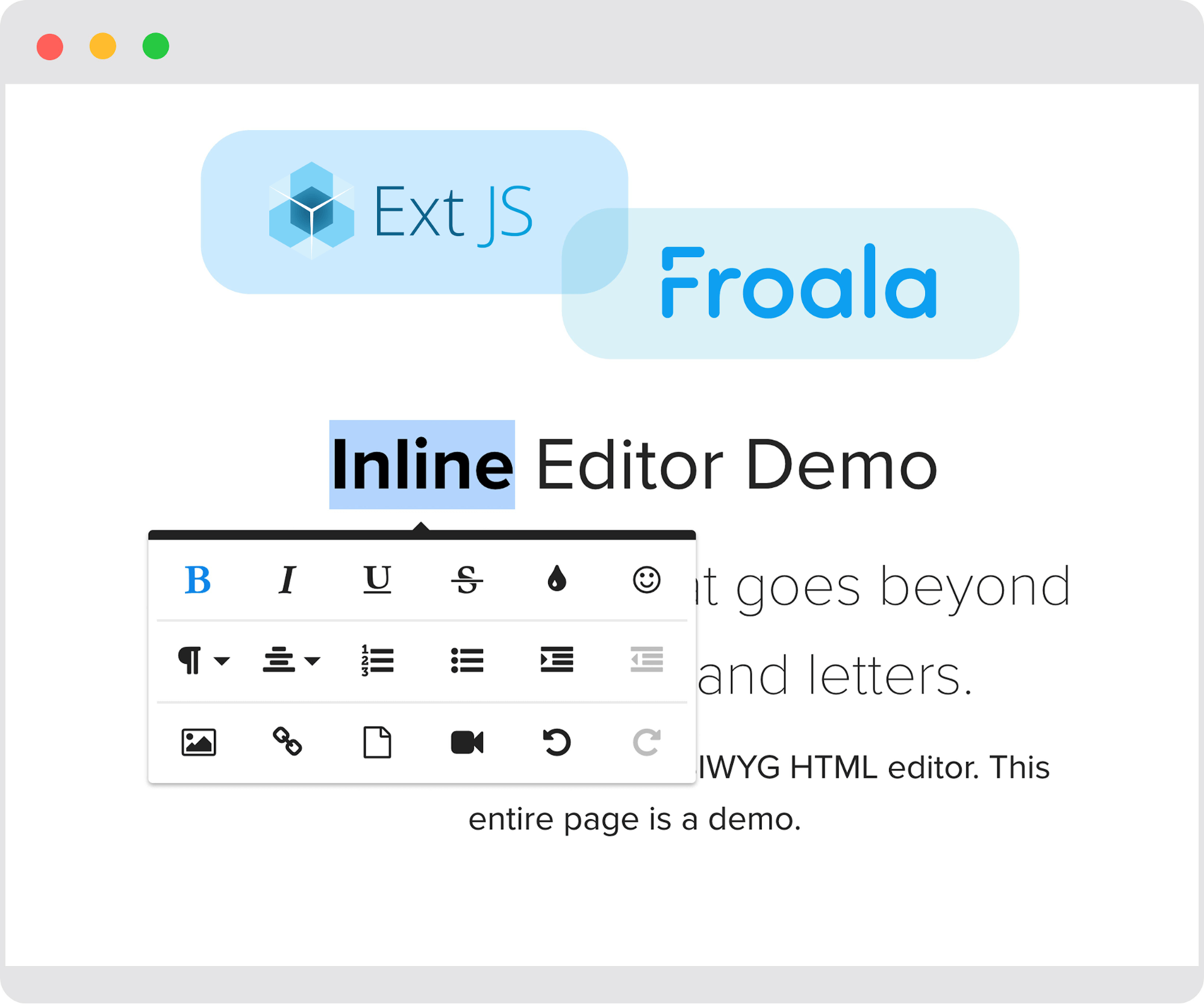

Using Froala with Ext JS
In this example, I’m showing how to use all the buttons for all the form factors. You can see below how easy it is to invoke the beautiful Froala editor to render over the textarea. This is a simple implementation, aimed at showing how simple it is to integrate it into your application. If you want to take it further, check out all the options you can add in the Froala documentation.
Check out the Sencha Fiddle example source:

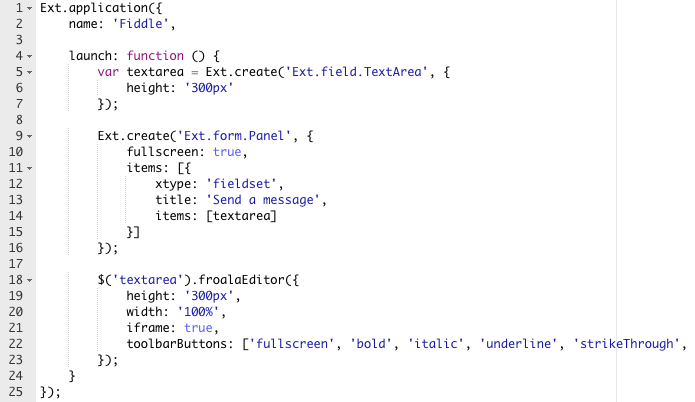
Sencha Fiddle example source
And here’s a quick preview of what it looks like in the Sencha Fiddle.

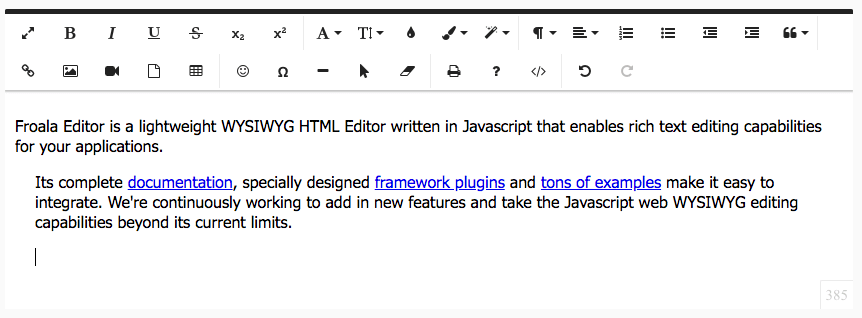
Sencha Fiddle Preview
As part of the Sencha roadmap, we will be providing an Ext JS wrapper for the Froala editor that will help you easily integrate with Ext JS applications. We will also remove the jquery dependency with future Froala Ext JS wrappers.
Using Froala with Ext JS Bridges
If you’re using ExtReact, ExtAngular or ExtWebComponents we have an online kitchenSink application that shows how to configure the rich text editor together.
- ExtReact KitchenSink example
- ExtAngular KitchenSink example
- ExtWebComponents KitchenSink example

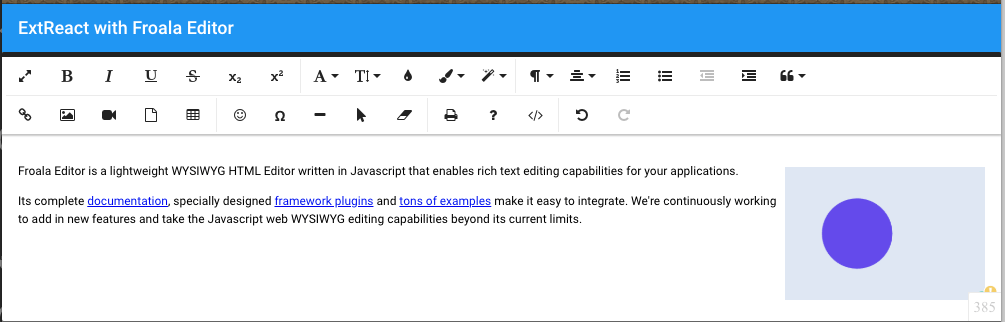
ExtReact with Froala Editor
Using Froala with GXT
I have added an editor example for GXT below to show how easy it is to integrate. It only took me two simple steps: import and call the Froala editor for my textarea. And now my application has a user friendly fashionable form editor.
Summary
We’re excited to welcome Froala to the Sencha family, enabling our community and customers to solve real world problems when expecting users to enter data into complex environments efficiently. Froala has flexible licensing for the editor and you can get yours now to start using with your Sencha applications.
Quick Reference



Latest Content

How to Use the Ext JS Grid in React: Setup, Columns, Editing and Grouping
Set up the Ext JS grid in React with ReExt, then add typed columns, store-backed…
October 6, 2026

React Data Grid: The Complete 2026 Guide for Enterprise Apps
Almost every business application eventually becomes a grid. Orders, invoices, trades, tickets, inventory, patients, shipments:…
October 6, 2026
Understanding Ext JS Layouts and Containers: An Introduction (Classic vs. Modern)
Building complex, responsive, and data-intensive Web applications requires a solid layout engine. In Ext JS,…
October 6, 2026


