



 Ask Sencha AI
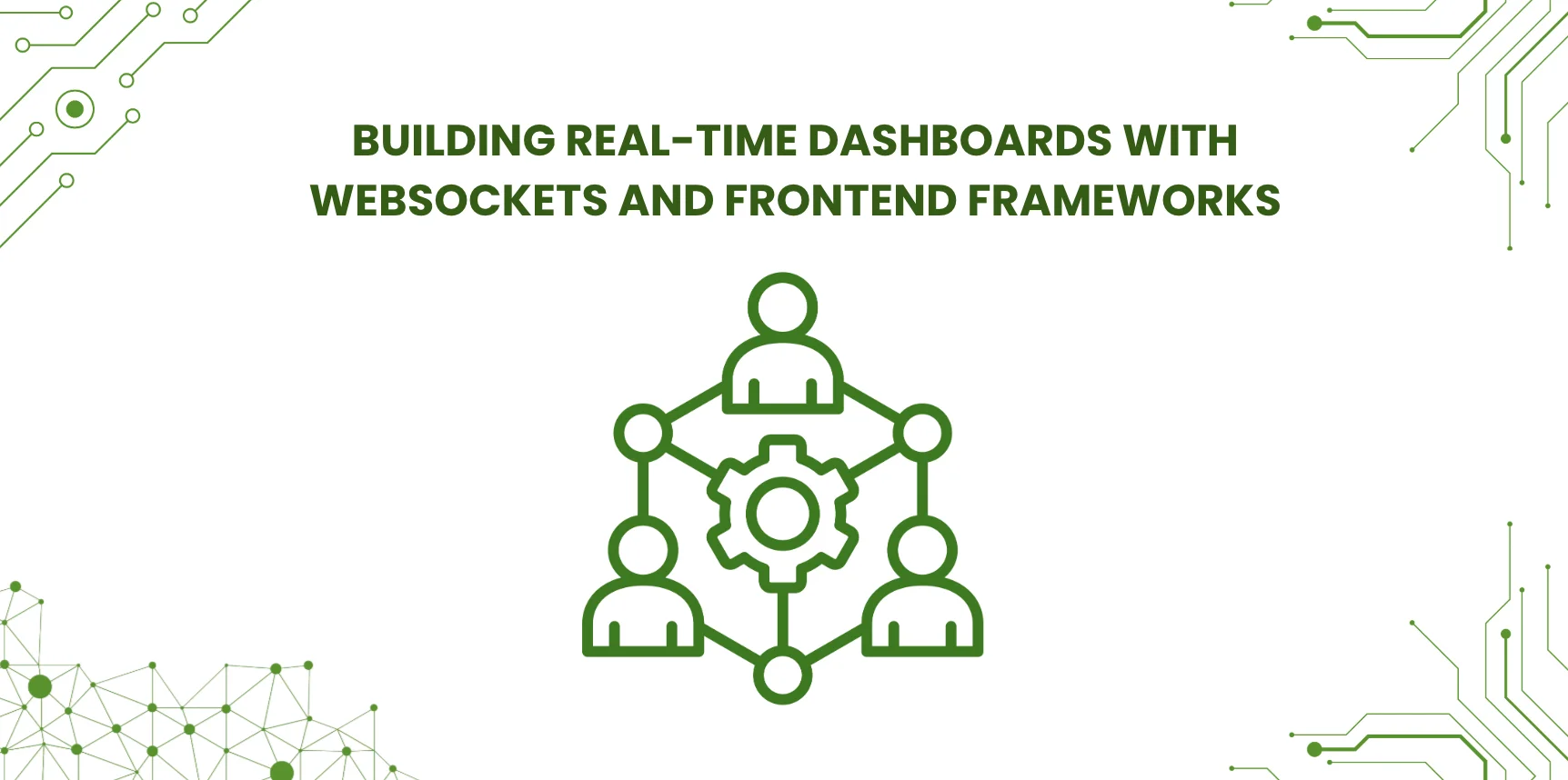
Building Real-Time Dashboards with WebSockets and Frontend Frameworks
May 26, 2026
4218 Views
Get a summary of this article:
Real-time dashboards have become essential in industries where users need instant visibility into changing data. Whether monitoring financial transactions, logistics operations, industrial systems, application health, customer activity, or security events, teams increasingly rely on interfaces that update live without requiring a page refresh.
At the heart of many of these systems is WebSocket technology, which enables persistent, two-way communication between the client and the server. Unlike traditional request-response patterns, WebSockets allow the server to push updates to the browser as soon as new data is available. This makes them ideal for dashboards, monitoring tools, live feeds, and operational control panels.
However, building a real-time dashboard is about more than simply opening a WebSocket connection. Developers must also think carefully about update frequency, state synchronization, rendering performance, data buffering, error handling, reconnect strategies, and how live information is visualized without overwhelming users or the browser.
This is where the front-end framework choice matters. A framework needs to support frequent UI updates, structured state management, data-heavy components, and clear organization of interactive widgets. For enterprise-grade dashboards, these requirements become even more demanding.
Ext JS is particularly well-suited to this kind of application. Its mature charting, grid, layout, and data handling capabilities make it effective for building highly interactive, mission-critical dashboards. When integrated with WebSocket services, Ext JS can help teams create interfaces that continuously reflect live operational data while remaining responsive and maintainable.
In this guide, we will explore how WebSockets power real-time dashboards, examine architectural strategies for live data updates, discuss common performance challenges in Enterprise Application Development, and explain why Ext JS is a strong choice for interactive monitoring and live data display systems.
Why Real-Time Dashboards Matter
Real-time dashboards are valuable because they help users react quickly to changing conditions.
Common use cases include:
- network and infrastructure monitoring
- financial market displays
- supply chain tracking
- industrial control systems
- customer support operations
- fraud detection
- logistics coordination
- IoT sensor monitoring
- cybersecurity event tracking
- sales and operations monitoring
In these environments, stale data can reduce effectiveness or even create risk. Users need interfaces that surface changes quickly and clearly.
What Are WebSockets?
A WebSocket is a communication protocol that creates a persistent, bidirectional connection between a client and a server.
Once established, the connection remains open, allowing:
- the client to send messages to the server
- the server to send messages to the client
- both sides to exchange updates in real time
This differs from traditional HTTP, where the client usually has to request updates repeatedly.
Why WebSockets Are Useful for Dashboards
WebSockets are well suited for live dashboards because they support:
- low-latency updates
- continuous data streams
- reduced polling overhead
- server-initiated messages
- efficient communication for ongoing sessions
For dashboards that must reflect changing values every second—or even more frequently—this can be much more effective than constant polling.
Typical Real-Time Dashboard Architecture
A real-time dashboard often includes several layers:
1. Data Sources
These may include:
- databases
- event streams
- sensors
- logs
- transactional systems
- monitoring agents
- external APIs
2. Backend Processing Layer
This layer may:
- aggregate raw events
- normalize data
- compute metrics
- detect anomalies
- filter noise
- publish update messages
3. WebSocket Service
The server pushes prepared updates to connected clients through WebSocket channels.
4. Frontend Dashboard
The client receives updates and applies them to charts, tables, counters, maps, and alerts in near real time.
General Techniques for Live Data Updates
Building a reliable live dashboard requires more than attaching incoming messages directly to the UI.
Also Read: What Are UI Frameworks? Best JavaScript UI Frameworks for Enterprise Development in 2026
1. Normalize Incoming Messages
WebSocket messages should have a consistent structure.
For example:
    {
      "type": "metricUpdate",
      "source": "orders",
      "timestamp": "2026-05-21T12:00:00Z",
      "payload": {
        "value": 182,
        "status": "normal"
      }
    }
A predictable message format makes the frontend easier to maintain and extend.
2. Separate Transport Logic from UI Logic
Do not let every widget open its own WebSocket connection independently unless there is a strong reason.
Instead, create a centralized service that:
- manages the connection
- handles reconnects
- parses messages
- routes updates to interested components
This improves maintainability and reduces duplication.
3. Buffer or Batch Frequent Updates
If updates arrive very rapidly, applying every message directly to the UI can hurt performance.
Instead, consider:
- batching updates on a short interval
- debouncing redraws
- aggregating repeated values
- limiting visual refresh frequency
This is especially important for charts and grids receiving high-volume streams.
4. Use Incremental Rendering Where Possible
Efficient dashboards update only the parts of the UI that changed.
For example:
- update a single metric card instead of rerendering a whole panel
- append points to a chart series instead of rebuilding the chart
- update modified rows in a data grid instead of replacing the whole dataset
5. Plan for Reconnection and Recovery
Real-time connections can drop.
A robust dashboard should handle:
- automatic reconnection
- connection status indicators
- replay or resync after reconnect
- stale data detection
- fallback behavior when the stream is unavailable
6. Handle Historical and Live Data Together
Many dashboards need both:
- a live stream of updates
- an initial snapshot or historical baseline
A common pattern is:
- load initial data via HTTP
- render the initial dashboard state
- subscribe to WebSocket updates
- apply incremental changes from the live stream
This avoids starting from an empty interface.
7. Design for Human Readability
Real-time systems should not simply display motion. They should help users understand change.
Good practices include:
- highlighting important changes
- showing timestamps
- using thresholds and alerts
- preserving visual stability
- avoiding excessive animation
- grouping related signals
A dashboard that updates constantly but is hard to interpret is not truly useful.
Common Performance Challenges in Real-Time Dashboards
Live dashboards can create several frontend performance problems.
Too Many DOM Updates
Frequent updates can overwhelm the browser if many elements change at once.
Excessive Chart Re-rendering
Charts can become expensive if entire series are reprocessed too often.
Large Live Tables
Data grids displaying many changing rows need efficient row management and rendering strategies.
Memory Growth
Long-running dashboards may accumulate too much historical data in memory if retention is not controlled.
UI Jitter
If widgets constantly resize, reorder, or animate, the dashboard becomes distracting and harder to use.
These challenges make framework-level rendering efficiency very important.
Choosing a Frontend Framework for Real-Time Dashboards
A framework used for real-time dashboards should support:
- efficient component updates
- structured state management
- robust data binding
- scalable charting
- powerful grid components
- maintainable layout composition
- strong handling of large datasets
- responsive interaction under continuous updates
This is where enterprise-focused frameworks can offer significant advantages.
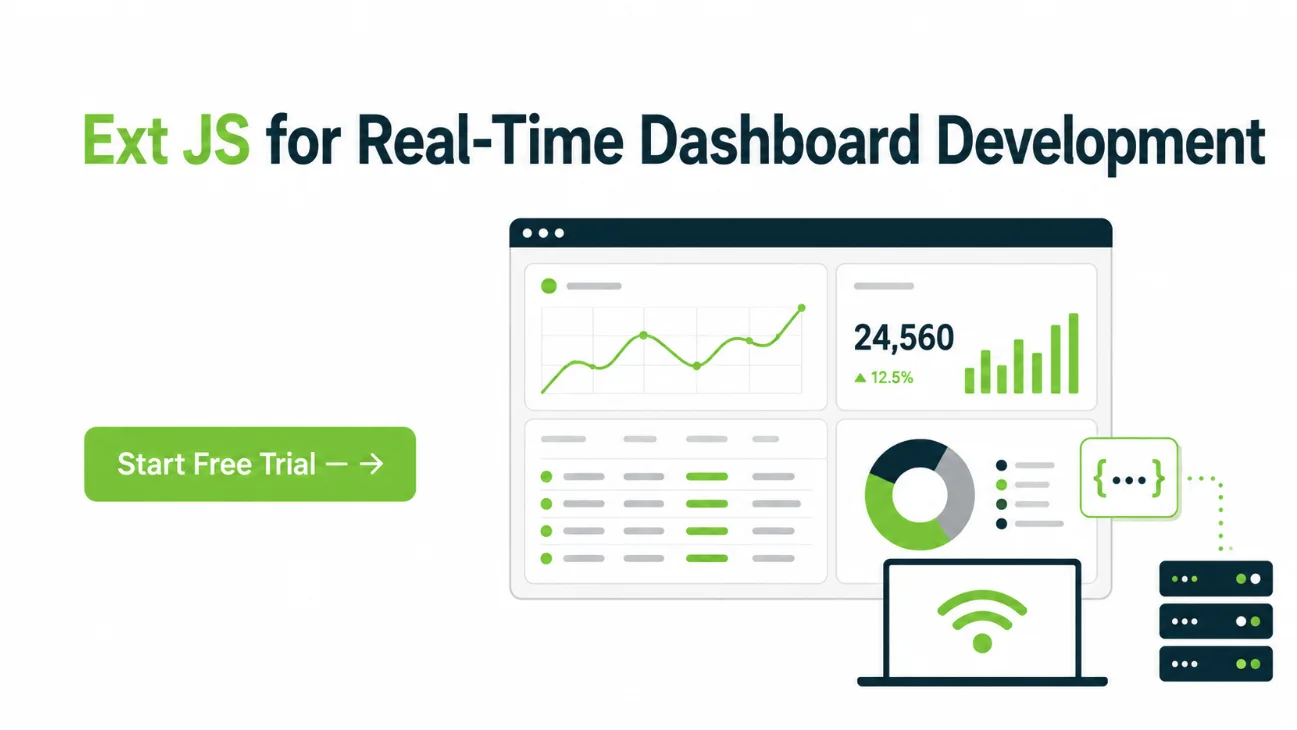
Ext JS for Real-Time Dashboard Development
The Ext JS angle is especially compelling for this topic.
Ext JS provides a mature set of UI tools that map naturally to dashboard requirements, including:
- advanced chart components
- powerful data grids
- stores and data models
- flexible layout managers
- panels, tabs, and containers
- responsive enterprise UI patterns
These features make it easier to build dashboards that are not only live, but also organized, scalable, and maintainable.
Integrating WebSockets with Ext JS
A common Ext JS real-time pattern in modern Application Development Software is straightforward:
- establish a WebSocket connection
- receive structured update messages
- parse message types
- update Ext JS stores or component state
- allow charts and grids to reflect the updated data
This works well because Ext JS has strong support for data-driven UI architecture.
Instead of manually wiring every DOM update, developers can push updates into the relevant store or component model and let the UI respond through the framework’s component system.
Ext JS Charts for Live Data Visualization
Charts are central to many dashboards.
With Ext JS, live WebSocket updates can feed:
- line charts for trends
- bar charts for comparative metrics
- area charts for volume patterns
- gauge-style indicators for status tracking
- time-series visualizations for monitoring
This helps teams build interfaces where users can see changes unfold in real time rather than relying only on numeric counters.
For mission-critical use cases, chart clarity and update discipline matter just as much as connection speed.
Ext JS Grids for Streaming Operational Data
Many live dashboards need more than charts. They also need structured tabular visibility.
Examples include:
- transaction streams
- alerts and incidents
- machine status lists
- order queues
- service health tables
- event logs
Ext JS grids are especially valuable here because they support enterprise-grade data presentation features such as:
- sorting
- filtering
- column configuration
- large dataset handling
- row updates
- selection and drill-down workflows
When paired with WebSocket-driven data updates, grids can become powerful live operational views.
Why Ext JS Works Well for Mission-Critical Displays
Mission-critical dashboards require more than visual appeal.
They need:
- predictable component behavior
- resilience over long sessions
- scalable rendering for many widgets
- support for high-density data presentation
- maintainable architecture for evolving requirements
Ext JS is well suited for these demands because it is designed around large application structure, not just lightweight page interaction.
This is especially important in environments such as:
- operations centers
- network monitoring consoles
- trading support systems
- logistics control rooms
- industrial monitoring platforms
- security operations dashboards
Best Practices for Building Real-Time Dashboards
Whether you use Ext JS or another framework, several best practices apply.
Keep Update Logic Centralized
Use a single service or event layer to manage WebSocket communication.
Avoid Re-rendering Everything
Update only the affected parts of the UI.
Limit Visual Noise
Do not animate every change. Emphasize what matters.
Control Data Retention
Keep enough history for insight, but not so much that the interface slows down.
Use Backpressure Strategies
If updates are faster than the UI can render, batch, sample, or aggregate them.
Expose Connection State
Users should know whether the dashboard is live, reconnecting, or stale.
Test Under Real Load
Simulate realistic update frequency, message volume, and session duration.
Conclusion
Building real-time dashboards with WebSockets and frontend frameworks requires careful planning around data flow, rendering efficiency, resilience, and usability. WebSockets make it possible to deliver low-latency, bidirectional communication, but creating a truly effective live dashboard means more than streaming data into the browser. Developers must think about batching, state synchronization, reconnection, visual clarity, and long-term performance.
For enterprise and mission-critical systems, framework capabilities matter a great deal. Ext JS stands out as a strong choice for these scenarios because its charting, grid, layout, and data management features align naturally with the needs of real-time dashboards. By integrating WebSocket services with Ext JS stores and UI components, teams can build highly interactive monitoring tools that remain responsive, structured, and scalable even under continuous data flow.
For organizations building operational dashboards, monitoring consoles, or live analytic displays, Ext JS offers a powerful foundation for turning streaming data into actionable visual insight.
Start your free trial of Sencha Ext JS 8.0 and build scalable enterprise applications
FAQs
Why are WebSockets useful for real-time dashboards?
WebSockets allow persistent, bidirectional communication between client and server, enabling live updates without repeated polling.
Are WebSockets better than polling for dashboards?
Often yes, especially when updates are frequent or latency matters. Polling can still be useful in simpler or lower-frequency scenarios.
What is the biggest challenge in real-time dashboard development?
One of the biggest challenges is balancing live update frequency with frontend rendering performance and usability.
How should live dashboard data be managed on the frontend?
A common approach is to centralize WebSocket handling, normalize messages, update structured application state, and refresh only the affected UI elements.
How does Ext JS help with real-time dashboards?
Ext JS helps through its powerful charts, data grids, stores, layouts, and enterprise-ready component architecture, all of which support live, data-driven interfaces.
Can Ext JS grids and charts work with WebSocket data?
Yes. WebSocket messages can be used to update Ext JS stores or component data, allowing charts and grids to refresh in near real time.
Why is Ext JS suitable for mission-critical live dashboards?
It is well suited because it supports complex UIs, large datasets, structured application architecture, and long-running enterprise sessions where stability and performance matter.
WebSockets
Real-Time Applications
Dashboard Development
UI Frameworks
Enterprise Applications
Software Architecture
Frontend Development
Web Development
Ext JS
JavaScript


Latest Content
What JS Days 2026 Keynote Revealed About the Next Era of Development
The JavaScript ecosystem has spent the last decade optimizing for speed. Frameworks have become more…
September 23, 2026
Async/await with Ext JS
Probably one of the most appreciated features of the latest versions of JavaScript is Promises,…
September 3, 2026
Sencha IDE Plugins - JetBrains 6.0.18 Is Here
JetBrains 2026.2 just shipped. So did we. Sencha’s JetBrains plugin is an Integrated Development Environment…
September 2, 2026


