



 Ask Sencha AI
Sencha IDE Plugins – JetBrains 6.0.18 Is Here
September 2, 2026
980 Views
Get a summary of this article:
JetBrains 2026.2 just shipped. So did we.
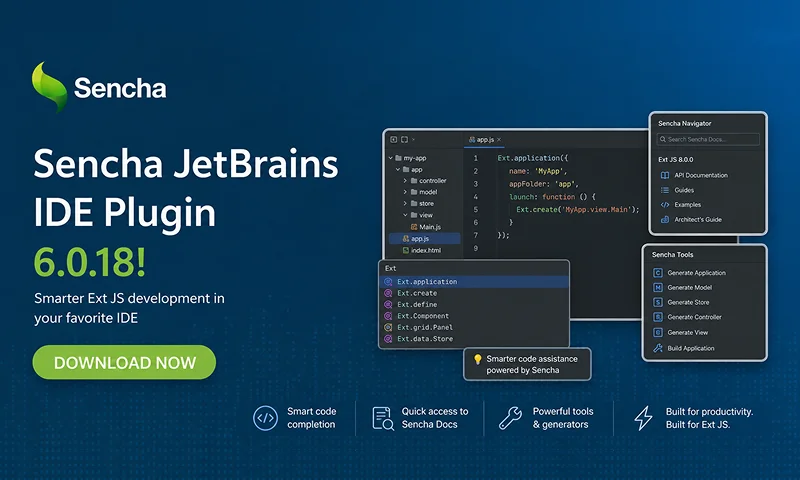
Sencha’s JetBrains plugin is an Integrated Development Environment tool that creates a confluence between Sencha Frameworks and JetBrains software. This integration comes in the form of code completion, inspection, and suggestion, while seamlessly cooperating with native JetBrains behavior. Version 6.0.18 of the Sencha JetBrains Plugin is available now, bringing full compatibility with IntelliJ IDEA, WebStorm, and PhpStorm 2026.2 – along with fixes to project creation, code intelligence, and license activation that have been affecting developers on recent IDE versions.
What’s in this release
- JetBrains 2026.2 support – Full compatibility, including New View Package and Generate Columns from Model actions
- Project wizard restored – “Ext JS App” and “Ext JS Workspace” are back in the New Project wizard
- Code intelligence back online – @sencha/ext-core classes recognized; false “class not found” warnings eliminated
- Startup indexing fixed – No more errors on first launch
- Progress indicator added – The IDE no longer appears to hang while generating a new app or workspace
Why the update matters
Each JetBrains major release introduces changes to internal platform APIs, and this cycle removed several APIs the plugin depended on. Without 6.0.18, developers on 2026.2 IDEs hit a broken project wizard, disabled code completion, and indexing errors on startup – core parts of the plugin that teams rely on every day.
This release catches the plugin back up to the platform.
What changed, and why
Your project wizard is back
If you’ve been on a recent JetBrains IDE and noticed that “Ext JS App” and “Ext JS Workspace” had vanished from the New Project wizard, that’s resolved. The options are fully restored for IntelliJ IDEA and WebStorm 2026.2.
We also added a progress indicator during app and workspace generation – so the IDE no longer silently sits there looking frozen while Sencha Cmd does its work.
Code intelligence that actually works
Two separate issues were causing code completion and navigation to go silent on IntelliJ. Both are resolved:
- Classes from the @sencha/ext-core package are now properly indexed for completion and navigation. If you’ve been working with open-tooling projects and finding that core classes weren’t resolving, they will now.
- A bug that could disable Ext JS code intelligence altogether on IntelliJ is fixed.
- Incorrect “class not found” warnings on valid framework classes are eliminated.
- A startup indexing error that fired on first launch is resolved.
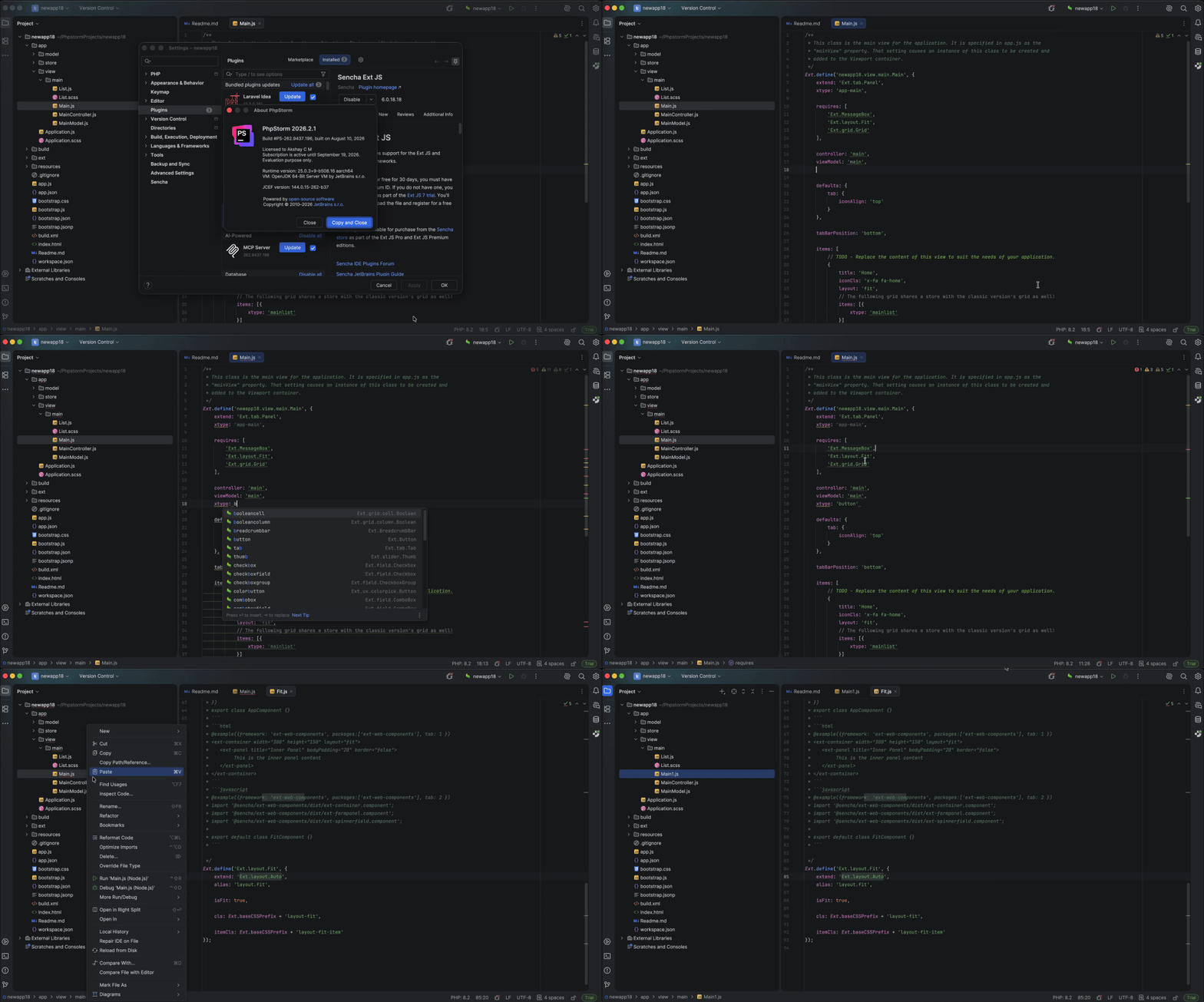
Platform compatibility across 2026.2
Menu actions including Generate Columns from Model and New View Package now work correctly with the 2026.2 platform APIs. Several broader compatibility issues introduced in recent JetBrains releases are also resolved.
Compatibility
Use version 6.0.18 for JetBrains IDEs 2026.2:
- IntelliJ IDEA 2026.2
- WebStorm 2026.2
- PhpStorm 2026.2
Please note: the Sencha JetBrains Plugin requires an Ultimate/commercial edition. Community editions are not supported.
For older IDE versions, see the full compatibility table in the documentation.
How to update
Update the plugin manually from your JetBrains IDE:
- Download the plugin (.zip) from the Sencha Support Portal.
- In your JetBrains IDE, open Settings → Plugins.
- Click the Settings icon in the Plugins window and select Install Plugin from Disk…
- Select the downloaded plugin .zip file and click OK.
- Restart your IDE to complete the installation.
It is worth mentioning that Sencha provides plugins for JetBrains IDEs, Visual Studio Code, and Eclipse, giving Ext JS developers similar core capabilities – including code completion, inspection, navigation, refactoring, and class generation – across their preferred development environment.
The plugin is included with Ext JS Pro and Enterprise license. A 30-day free trial is available if you haven’t evaluated it yet.
Resources
- Full release notes
- IDE Plugins documentation
- Download Ext JS free trial
- Support Portal
- Sencha Discord
Follow us on X (Twitter) and YouTube for updates. Happy coding.


Latest Content
React Component Library for Data-Heavy Apps: Why 1 Vendor Beats 5
Data-heavy React apps rarely start with five UI vendors. They get there one reasonable decision…
October 21, 2026
How to Standardize on One UI Component Library Across Your React Apps
In most large organizations, every React app has its own UI stack. One team uses…
October 21, 2026
UI Component Library vs Component Framework: What Enterprise React Teams Need
Ask a React team what they use for UI, and you’ll usually hear the name…
October 21, 2026


