12 Best Application Development Software Tools for Enterprise Teams in 2026
July 16, 2026
2110 Views
Get a summary of this article:
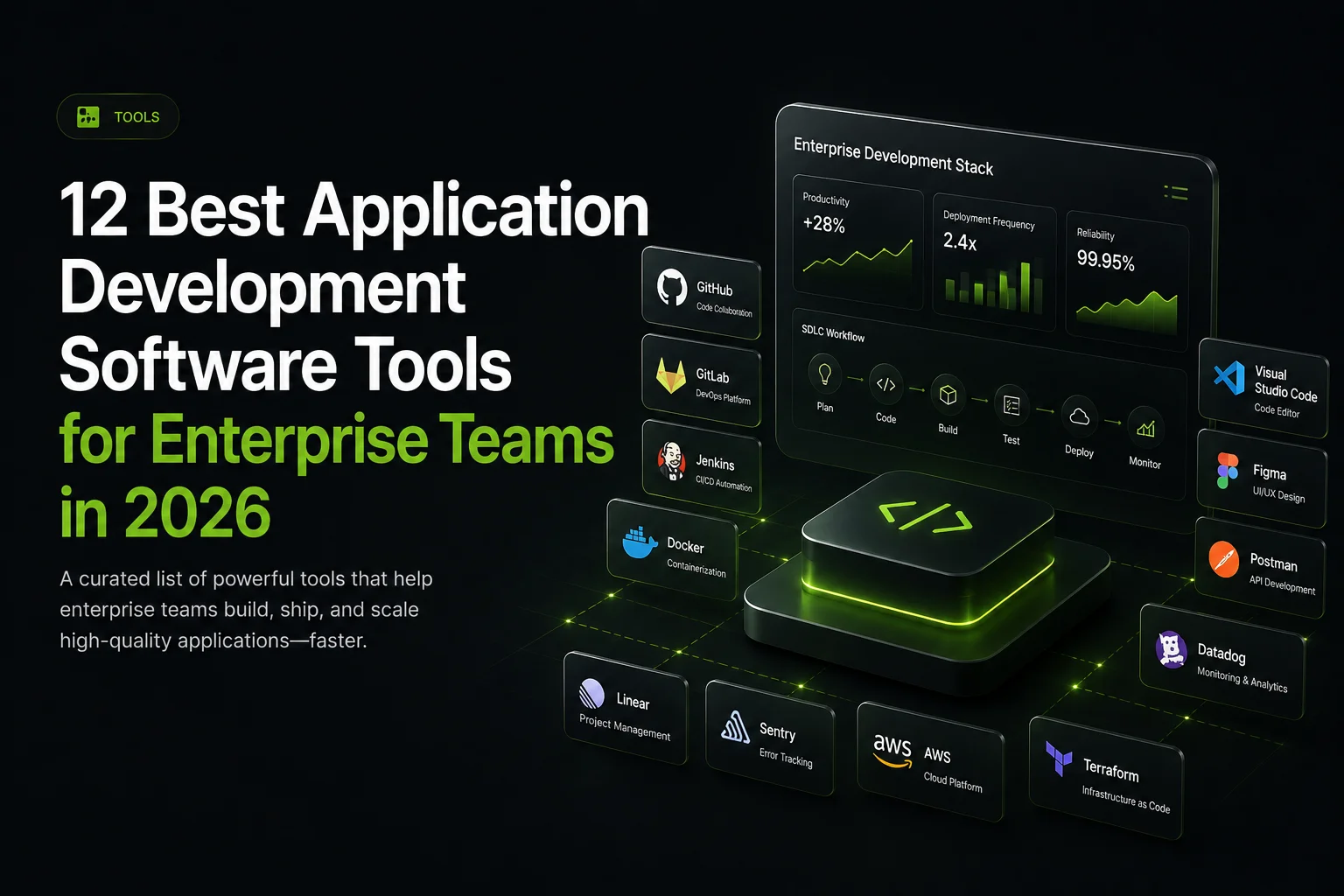
Enterprise teams in 2026 build applications using a stack of complementary application development software tools that each serve a distinct function. This guide covers twelve essential tools that together form the modern enterprise JavaScript development stack: Sencha Ext JS as the enterprise UI framework, three foundational JavaScript frameworks (React, Angular, Vue.js), TypeScript for type safety, Node.js for runtime and infrastructure, Visual Studio Code as the code editor, Storybook for component development, Vite for build tooling, Vitest for testing, ESLint for code quality, and Git with GitHub for source control. Each tool covers a different layer of the enterprise development workflow.
Key Takeaways
- Enterprise application development requires multiple complementary tools across different workflow layers. A single monolithic solution rarely fits all requirements.
- Sencha Ext JS provides a comprehensive enterprise UI framework capability. The 140+ pre-built components, including data grids, charts, forms, and specialized enterprise components, reduce assembly work compared to combining focused libraries.
- Foundational JavaScript frameworks serve different application types. React suits customer-facing applications, Angular suits large enterprise teams, and Vue.js suits rapid iteration scenarios.
- TypeScript has become essentially expected for enterprise application development. Static typing catches bugs before production and supports refactoring confidence at scale.
- Development infrastructure tools support the broader lifecycle beyond application code. Node.js, Visual Studio Code, Storybook, Vite, Vitest, ESLint, and Git each cover distinct functions.
- Match tool selection to specific application requirements. Team expertise and organizational context matter more than following general industry preferences.

Why Choosing the Right Application Development Software Matters
The application development software teams choose in 2026 shapes velocity, application quality, and maintenance costs across the years enterprise applications typically run. Enterprise application development involves many layers, and each layer benefits from tools that fit both the specific requirements at that layer and the broader stack the team assembles.
For enterprise software development specifically, several considerations affect tool selection:
- Long application lifespans. Tool stability and vendor support matter significantly across years of production use.
- Team scale. Tools with strong consistency and opinionated patterns often produce better outcomes than tools optimized for individual developer flexibility.
- Regulatory compliance. Accessibility through WCAG 2.2 affects both the tools teams choose and how they use them.
- Total cost of ownership. Ongoing costs across the lifecycle typically exceed the initial adoption cost substantially.
1. Sencha Ext JS
We built Sencha Ext JS for data-intensive enterprise applications where comprehensive component depth, performance at scale, and long-term stability matter substantially. The framework provides 140+ pre-built UI components designed to work together through shared data architecture.
- 140+ pre-built UI components. Data grids with native virtualization, charts, complex forms, calendars, trees, dialogs, pivot grids, and specialized enterprise components.
- Native virtualization. Data grids handle substantial data volumes without additional library integration.
- Built-in WCAG 2.2 accessibility. The Modern toolkit provides ARIA semantics and keyboard navigation without per-component retrofit.
- First-party TypeScript definitions. Maintained alongside framework code.
- Backward compatibility. Documented upgrade paths reduce migration burden for long-lifecycle applications.
- Commercial support. Service level agreements match enterprise operational requirements.
Sencha Ext JS suits data-intensive enterprise applications, including dashboards, business intelligence tools, financial applications, and operational systems where comprehensive component depth aligns with application needs. For applications with modest UI requirements or teams committed to different technology stacks, lighter alternatives may fit better.
2. React
React is among the most widely adopted JavaScript libraries for building user interfaces. The library uses component-based architecture with a virtual DOM for efficient updates and has substantial ecosystem support across enterprise development.
- Component reusability. Shared components work across web and mobile through React Native.
- Substantial ecosystem. Mature libraries for routing, state management, and forms are available through npm.
- Hiring accessibility. A large developer community supports quick team scaling.
React suits customer-facing applications and cross-platform applications targeting web and mobile. Applications needing comprehensive enterprise components typically combine React with additional libraries because React does not include an enterprise-grade component set natively.
3. Angular
Angular provides an opinionated, TypeScript-first architecture for building complex web applications. The framework includes many capabilities out of the box, including dependency injection, reactive forms, HTTP client, routing, and comprehensive tooling through Angular CLI.
- Built-in capabilities. Comprehensive features reduce assembly work compared to composing separate libraries.
- Opinionated structure. Produces consistent patterns across development teams contributing to the same codebase.
- TypeScript-first. Deep type integration throughout the framework.
Angular suits large enterprise teams building complex internal systems where opinionated structure and comprehensive built-in capabilities produce better outcomes than assembly approaches. For smaller teams, Angular’s opinionated structure sometimes produces overhead that lighter alternatives avoid.
4. Vue.js
Vue.js provides an approachable framework for building user interfaces with a gentle learning curve compared to some alternatives. The Composition API provides modern development patterns while maintaining Vue’s approachable syntax.
- Approachable syntax. Developers new to Vue typically become productive faster than those learning React or Angular.
- Composition API. Modern development patterns similar to React hooks while maintaining Vue’s approachable feel.
- Flexible architecture. Suits startup contexts where requirements evolve rapidly.
Vue.js suits fintech startups, innovation labs, and rapid prototyping scenarios where iteration speed and gentle learning curves matter more than ecosystem depth. Vue can scale for enterprise applications with appropriate team conventions.
5. TypeScript
TypeScript adds static typing to JavaScript, which catches categories of bugs before production and supports refactoring confidence through compiler verification. TypeScript adoption has become essentially expected for enterprise application development in 2026.
- Static type checking. Catches bugs before they reach production.
- IDE experience. Autocomplete and inline documentation driven by type information.
- Refactoring safety. The compiler verifies type consistency across code changes.
- Framework integration. Sencha Ext JS, React, Angular, and Vue all provide TypeScript support at varying depths.
TypeScript’s benefits compound with team size and codebase complexity. Large enterprise teams typically benefit substantially, while small teams sometimes find TypeScript’s overhead exceeds its benefits for simpler applications.
6. Node.js
Node.js provides a JavaScript runtime for server-side applications. Beyond its role as an application runtime, Node.js has become essential infrastructure because most modern build tools, package managers, and development utilities run on it.
- Server-side JavaScript. Executes backend services, APIs, and real-time applications.
- Development infrastructure. Runs build tools and the npm and yarn package ecosystems.
- Full-stack consistency. Language consistency across frontend and backend reduces context switching.
Node.js is essentially assumed as part of modern JavaScript development stacks. It works alongside build tools like Vite to support enterprise development workflows.
7. Visual Studio Code
Visual Studio Code has become the most widely adopted code editor for JavaScript development. The editor provides comprehensive language support, integrated debugging, source control integration, and extensibility through a substantial marketplace of extensions.
- Strong TypeScript integration. Particularly deep given Microsoft’s stewardship of both projects.
- Framework-specific extensions. Support for Sencha Ext JS, React, Angular, Vue, and testing tools.
- Remote development. Supports scenarios where development environments run on remote servers or in containers.
Visual Studio Code provides a consistent development experience across different developers and projects. It integrates well with the other tools in the modern enterprise JavaScript stack.
8. Storybook
Storybook is a development environment for building and documenting UI components in isolation from the applications that use them. Teams develop components with their variations, states, and interactions viewable independently.
- Component isolation. Design teams review component behavior without running the full application.
- Framework support. Works with React, Vue, Angular, Web Components, and other frameworks.
- Testing integration. Visual regression testing and accessibility testing tools integrate directly.
Storybook supports the design system and component library patterns that large organizations increasingly adopt. It reduces the coordination overhead these efforts typically involve.
9. Vite
Vite is a modern build tool that provides fast development server startup and efficient production builds. It has grown substantially in adoption because it produces faster development experiences than earlier bundler generations.
- Fast dev server. Native ES modules in development produce near-instant server startup.
- Efficient production builds. Uses Rollup under the hood for optimized bundle output.
- Framework flexibility. Works with React, Vue, and vanilla JavaScript projects.
Vite suits modern JavaScript projects where development experience matters, and teams want faster feedback loops. Webpack remains a viable alternative for projects with established webpack configurations or specific plugin requirements that Vite does not yet match.
10. Vitest
Vitest is a modern testing framework built on Vite that provides fast, developer-friendly testing for JavaScript and TypeScript applications. It maintains API compatibility with Jest, which eases migration for teams moving from older testing infrastructure.
- Fast test execution. Uses Vite’s transformation pipeline for quick feedback.
- Jest-compatible API. Teams migrating from Jest can adopt Vitest with minimal test rewrites.
- TypeScript support. Native TypeScript execution without additional configuration.
Vitest suits modern JavaScript and TypeScript projects that want fast testing feedback. Jest remains widely used and appropriate for projects with established Jest configurations. Enterprise teams typically choose one testing framework and standardize across projects for consistency.
11. ESLint
ESLint is the standard JavaScript and TypeScript linter for enforcing code quality and consistency across development teams. Configuration through shared presets lets organizations apply consistent rules across many projects.
- Consistent code style. Automated enforcement reduces code review time spent on formatting.
- Bug prevention. Catches common mistakes and anti-patterns before they reach production.
- Framework-specific rules. The plugin ecosystem includes rules for React, Vue, TypeScript, accessibility, and other domains.
ESLint is essentially assumed in enterprise development workflows. Combined with automated formatters like Prettier, it removes categories of subjective discussion from code review and produces consistent code across many contributors.
12. Git and GitHub
Git provides distributed version control for source code, and GitHub provides the collaboration platform where most open-source JavaScript projects live. Together, they form the source control foundation of modern enterprise development.
- Distributed version control. Every developer has a full copy of the project history and can work offline.
- Branching and merging. Supports parallel development workflows including feature branches and release management.
- Collaboration platform. GitHub provides pull requests, code review, issue tracking, and CI/CD integration through Actions.
Git and GitHub are essentially assumed for modern JavaScript development. GitLab and Bitbucket provide comparable alternatives with different feature emphasis, and enterprise organizations sometimes standardize on those platforms based on organizational history.
Comparing the 12 Application Development Software Tools
| Tool | Category | Primary purpose | Best fit |
|---|---|---|---|
| Sencha Ext JS | Enterprise UI framework | Comprehensive component library | Data-intensive enterprise apps |
| React | UI library | Component-based UIs | Customer-facing and mobile apps |
| Angular | Full framework | Opinionated enterprise architecture | Large teams, complex apps |
| Vue.js | Progressive framework | Approachable UI development | Rapid iteration, MVPs |
| TypeScript | Language | Static typing for JavaScript | Large codebases and teams |
| Node.js | Runtime | Server-side JavaScript and dev infrastructure | Backend services, tooling |
| Visual Studio Code | Code editor | Development environment | Consistent dev experience |
| Storybook | Component workshop | Component development and docs | Design systems, component libraries |
| Vite | Build tool | Fast development and production builds | Modern JavaScript projects |
| Vitest | Testing framework | Fast testing for JS and TS | Modern testing workflows |
| ESLint | Code quality | Linting and consistency | All enterprise codebases |
| Git and GitHub | Source control | Version control and collaboration | All modern development |
How to Choose the Right Application Development Software
Selecting application development software involves choosing across multiple categories rather than making a single decision. Evaluate each layer based on requirements at that layer:
- Start with UI framework requirements. For data-intensive enterprise applications, Sencha Ext JS reduces the assembly work that lighter alternatives typically require. For customer-facing applications or applications where framework flexibility matters, React, Angular, or Vue.js may fit better.
- Assess team expertise and hiring context. React and Angular have substantial developer availability. Sencha Ext JS has a smaller developer pool, but developers with strong JavaScript foundations typically become productive with reasonable investment.
- Evaluate foundational technology choices. TypeScript adoption produces meaningful benefits for large teams and long-lifecycle applications. Node.js is essentially assumed. Match framework choice to application characteristics rather than following general preferences.
- Adopt infrastructure tools that match the workflow. Visual Studio Code, Storybook, Vite, Vitest, ESLint, and Git each serve specific functions. Adopt tools that match actual workflows rather than adopting all available tools reflexively.
- Calculate the total cost of ownership. Include license fees, initial adoption time, ongoing maintenance, upgrade cost, support cost, and opportunity cost. Developer time typically dominates total cost for enterprise applications.
Conclusion
Enterprise teams in 2026 combine multiple application development software tools across different layers to build data-intensive applications efficiently. Sencha Ext JS provides a comprehensive enterprise UI framework capability. React, Angular, and Vue.js serve as foundational frameworks for different application profiles. TypeScript has become essentially expected. Node.js provides both runtime and development infrastructure. Visual Studio Code, Storybook, Vite, Vitest, ESLint, and Git complete the modern enterprise JavaScript development stack.
The right combination depends on specific application requirements, team expertise, and organizational context. For data-intensive enterprise applications with substantial UI complexity, Sencha Ext JS reduces the assembly work that lighter alternatives typically require. Teams can evaluate Ext JS against their specific application requirements.
Frequently Asked Questions
What is application development software?
Application development software refers to the tools, frameworks, and platforms that developers use to build software applications. Enterprise teams typically combine multiple tools across different layers rather than using a single monolithic solution.
The category includes:
- UI frameworks. Component libraries and architecture patterns like Sencha Ext JS.
- Programming languages. TypeScript and JavaScript primarily.
- Foundational frameworks. React, Angular, and Vue.js.
- Runtime and build tools. Node.js, Vite, and testing frameworks.
- Infrastructure. Code editors, source control, and quality tools.
Which application development software is best for enterprise teams?
The best application development software depends on specific requirements. Most enterprise teams combine tools across multiple categories rather than choosing a single tool.
A typical enterprise stack in 2026 includes:
- Enterprise UI framework. Sencha Ext JS for data-intensive applications, or a foundational framework with additional libraries.
- TypeScript. For type safety across the codebase.
- Node.js. For backend services and development infrastructure.
- Visual Studio Code. As the code editor.
- Testing and quality tools. Vitest or Jest for testing, ESLint for code quality.
Why is Sencha Ext JS considered strong for enterprise application development?
Sencha Ext JS suits enterprise application development because it provides characteristics that data-intensive applications routinely need.
Key strengths for enterprise scenarios:
- 140+ pre-built UI components. Data grids, charts, forms, calendars, trees, pivot grids, and specialized enterprise components.
- Native virtualization. Data grids handle substantial data volumes without additional libraries.
- Built-in WCAG 2.2 accessibility. Modern toolkit components include ARIA semantics and keyboard navigation.
- First-party TypeScript definitions. Maintained alongside framework code.
- Backward compatibility. Documented upgrade paths reduce migration burden.
- Commercial support. Service level agreements match enterprise operational requirements.
Why does TypeScript matter for enterprise application development?
TypeScript benefits enterprise application development through several dimensions. Its benefits compound with team size and codebase complexity.
Key benefits:
- Bug prevention. Static typing catches categories of bugs before production.
- Refactoring safety. The compiler verifies type consistency across code changes.
- IDE experience. Autocomplete and inline documentation driven by type information.
- Framework support. Sencha Ext JS, React, Angular, and Vue all provide TypeScript support.
What role does Node.js play in enterprise application development?
Node.js plays two roles in enterprise application development. It is essentially assumed as part of modern JavaScript development stacks.
The two roles are:
- Application runtime. Executes server-side JavaScript for backend services, APIs, and real-time applications.
- Development infrastructure. Runs build tools, package managers, and development utilities that modern JavaScript development depends on.
Why is Storybook useful for enterprise development teams?
Storybook supports the component library and design system patterns that many enterprise organizations increasingly adopt. It reduces the coordination overhead these efforts typically involve.
Key benefits for enterprise teams:
- Component isolation. Design teams review component behavior without running the full application.
- Documentation generation. Stays synchronized with component code.
- Testing integration. Visual regression and accessibility testing tools integrate directly.
- Framework flexibility. Works with React, Vue, Angular, and Web Components.
How do I evaluate application development software for enterprise use?
Evaluate application development software through several dimensions. Developer time typically dominates total cost for enterprise applications, so tools that reduce integration work and support long-term maintenance often produce lower total cost than tools with lower license fees.
Key evaluation dimensions:
- Application requirements. UI complexity, data volumes, and specialized needs.
- Team expertise. Existing skills and expected hiring patterns.
- Vendor stability. Long-term support and organizational backing.
- Accessibility support. WCAG 2.2 compliance for applications facing regulatory requirements.
- Total cost of ownership. License fees, developer time, and opportunity cost across the lifecycle.
Application Development Software
Enterprise Application Development
Software Development Tools
Front-End Development
JavaScript Frameworks
Enterprise Software



Latest Content

Async/await with Ext JS
Probably one of the most appreciated features of the latest versions of JavaScript is Promises,…
September 3, 2026
Sencha IDE Plugins - JetBrains 6.0.18 Is Here
JetBrains 2026.2 just shipped. So did we. Sencha’s JetBrains plugin is an Integrated Development Environment…
September 2, 2026
MVP Developer Series 1.1 - Responsive layout in Ext JS
Ext JS provides several tools for building a responsive layout. A video was recently published…
August 24, 2026