



 Ask Sencha AI
Subscribe to our newsletter
Be the first to learn about new Sencha resources and tips.
Missed JavaScript Days 2026? The Replays Are Now Available – Watch Now!
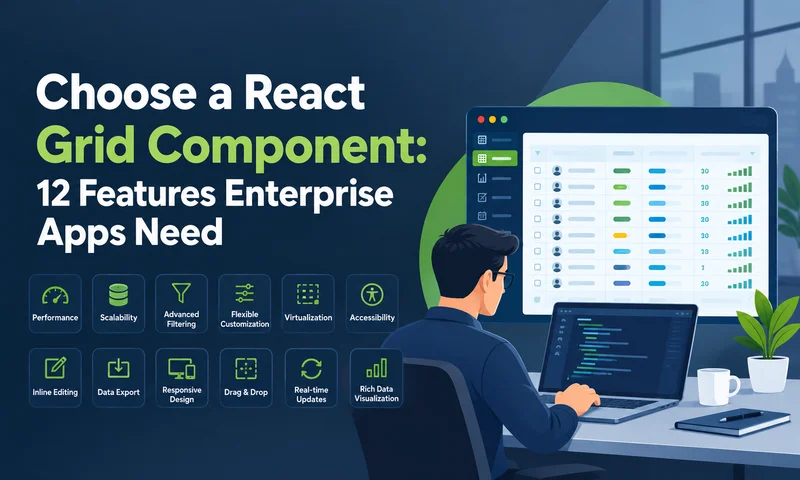
Picking a React grid component looks easy in week one. Every option sorts columns and scrolls through a few hundred rows. The differences show up months later, when users ask for grouped subtotals, frozen columns, Excel export, and smooth scrolling…

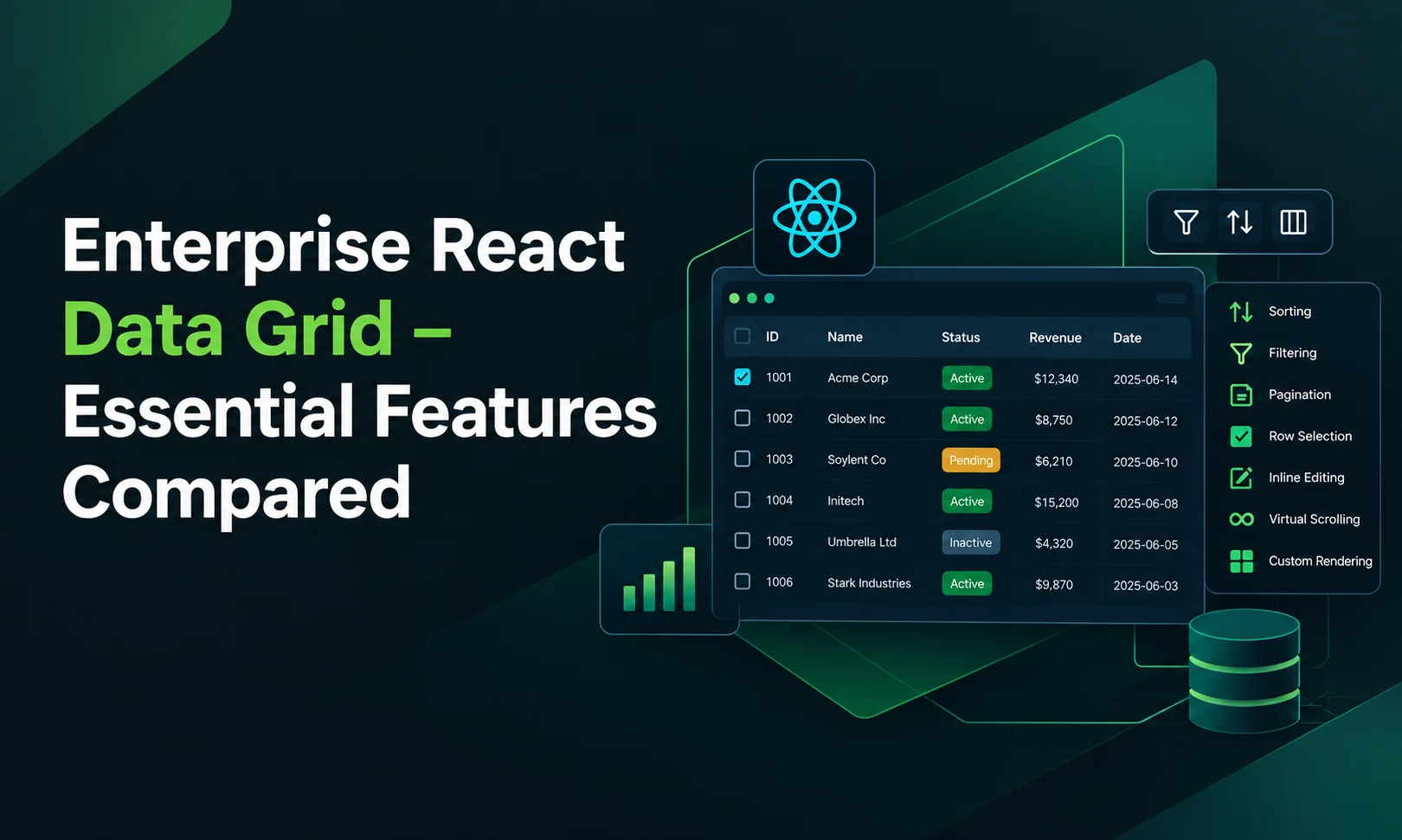
Almost every enterprise React data grid advertises the same features: grouping, pivoting, Excel export, clipboard, server-side data. The difference is where those features live. In most grids, the core is free and the features enterprise teams actually need sit in…
Four features decide most enterprise React data grid evaluations: column locking, pivoting, export and server-side data. They're the features users ask for once an app is in real use, the ones vendors most often keep in paid tiers, and the…
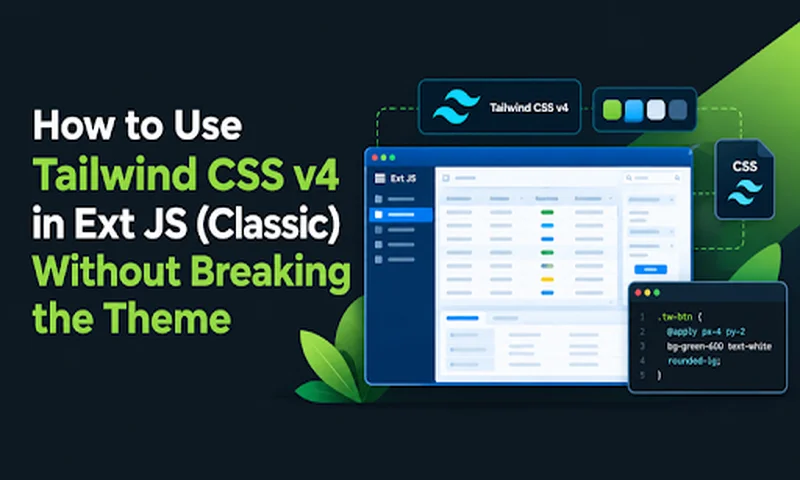
We know that Ext JS is a war tank. When it comes to handling absurd volumes of data and complex front-end architectures, few frameworks come close. However, writing entire themes based on Sass can become rigid compared to the agile…

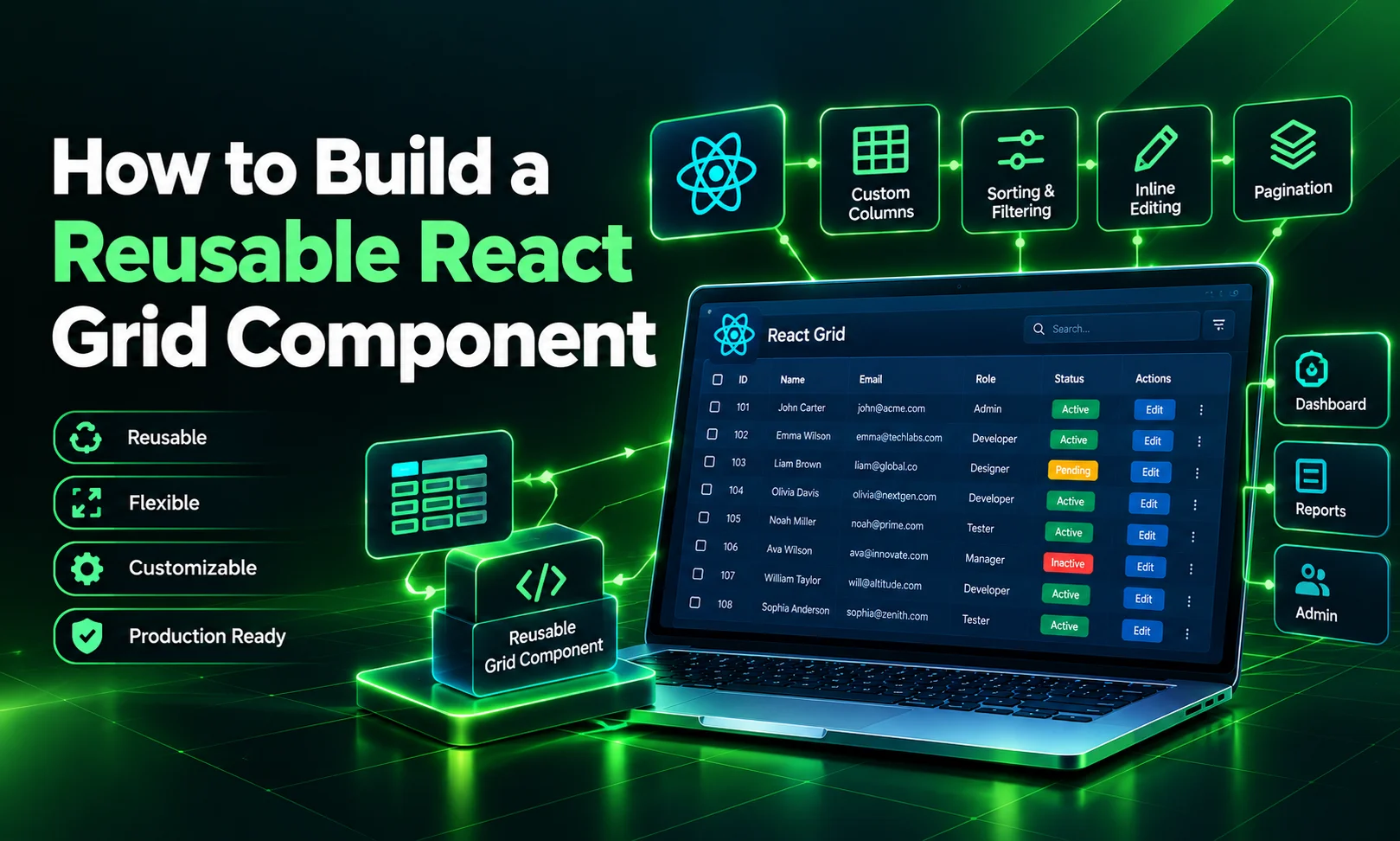
In most enterprise React apps, the grid shows up on dozens of screens: orders, customers, invoices, audit logs. Without a shared component, each team configures it from scratch. Currency formats differ, one screen validates edits and another doesn't, and an…
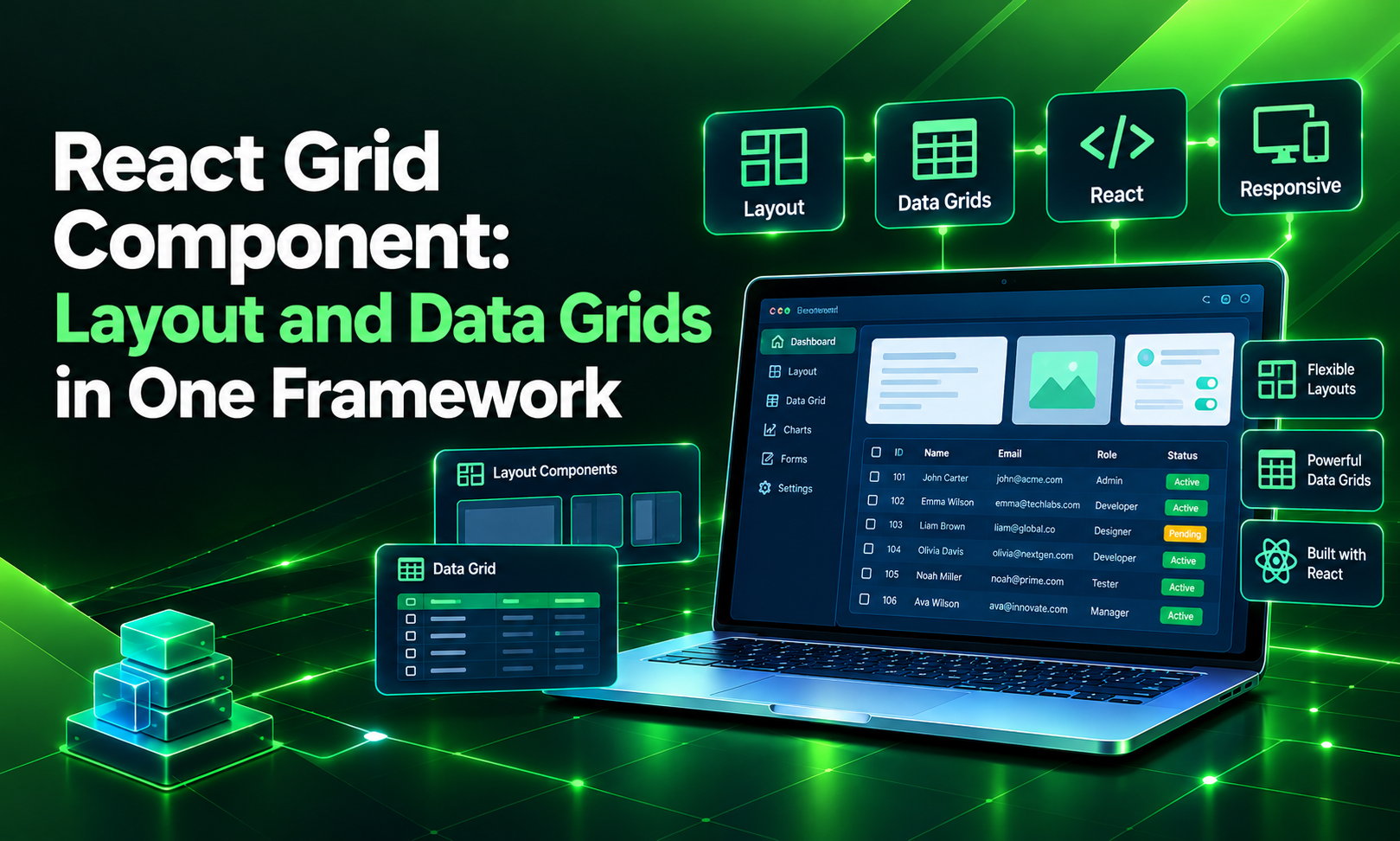
Search for "React grid component," and you will find two very different things. Half the results are about layout grids: rows and columns that arrange panels, cards and forms on a page. The other half are about data grids: interactive…
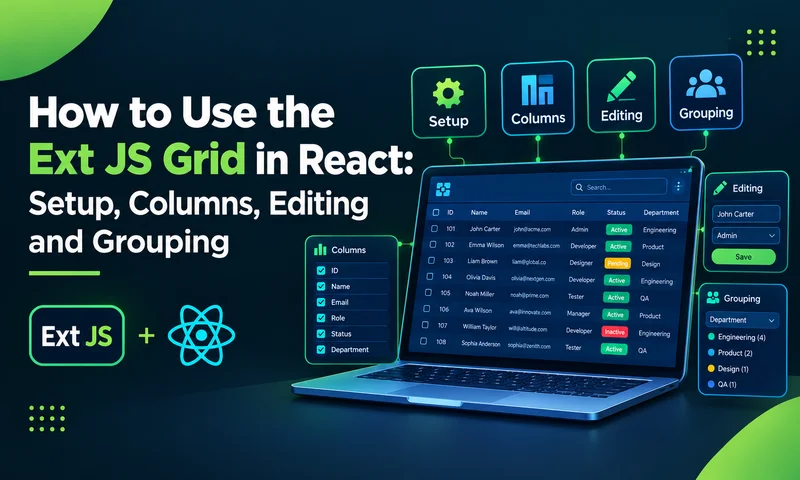
Set up the Ext JS grid in React with ReExt, then add typed columns, store-backed data, inline editing, grouping and summaries. Full code included. The Ext JS grid has handled data-heavy enterprise screens for years: typed columns, store-backed data, inline…
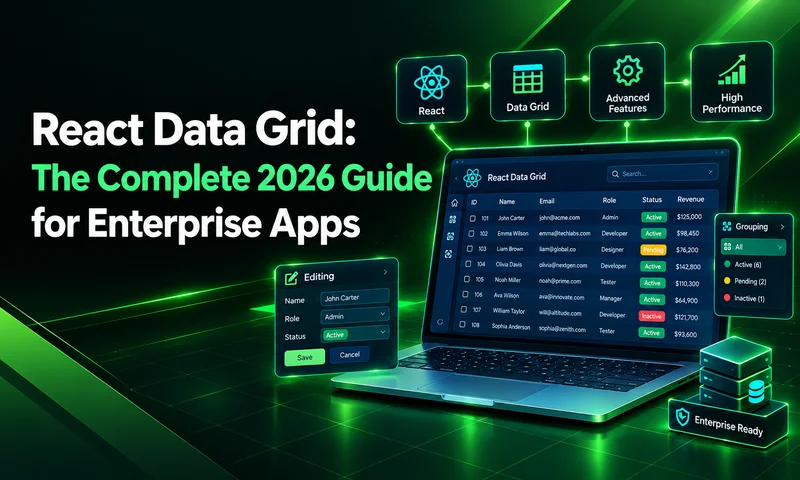
Almost every business application eventually becomes a grid. Orders, invoices, trades, tickets, inventory, patients, shipments: the data your users care about most usually lands in rows and columns, and they spend hours a day working in that view. That makes…
Building complex, responsive, and data-intensive Web applications requires a solid layout engine. In Ext JS, the layout system is the backbone of your Application UI. It automatically handles component sizing, positioning, component nesting, and dynamic window resizing, eliminating the need…

Be the first to learn about new Sencha resources and tips.