Ask Sencha AI
Sencha Cmd 6.5 Tech Tips
June 1, 2017
2665 Views
Get a summary of this article:
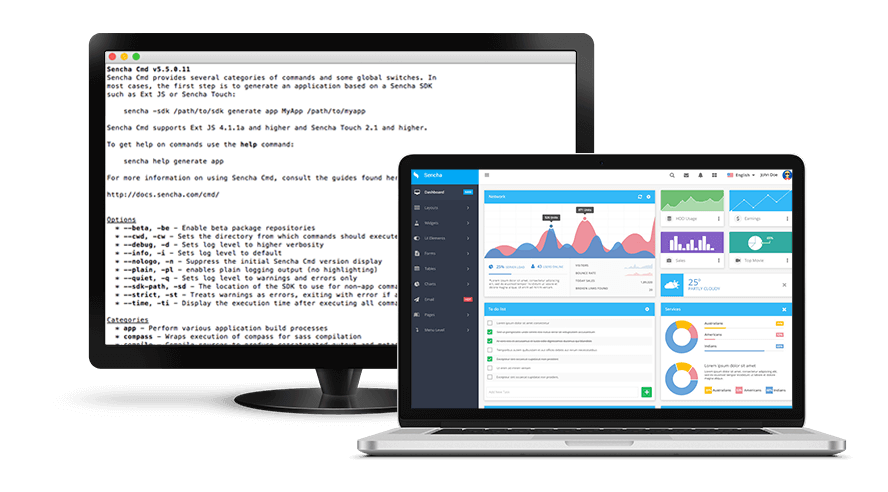
Sencha Cmd 6.5 is a major step forward in helping you build large modern applications and take advantage of the latest advancements in JavaScript standards. In this blog, I will provide tips to help you get started quickly with Cmd 6.5 key features including support for ECMAScript 2015 (or ES6), dynamic package loading, and building progressive web apps.
ECMAScript 2015 Support (or ES2015 or ES6)
ECMAScript 2015 (or ES2015 or ES6) is the largest upgrade to JavaScript since its creation. With ES6, you can use new data types – let/const, arrow functions, default parameters, spread operator, “for of” loops, generator functions, template strings, destructuring assignment, and more.
You don’t have to do anything special if you want your ES6 code to be transpiled to ES5, so it supports older browsers. Sencha Cmd 6.5 handles transpilation by default in the production version of your application. You can use ES6 code in older supported versions of the Ext JS framework as well. Sencha Cmd doesn’t support transpilation for the development build of your application.
If your Ext JS application is targeted at only modern browsers, then you can disable transpilation by adding the following JavaScript object to your application’s app.json file.
"output": {
    "js": {
        "version": "ES6"
    }
}
You can also specify different transpilation levels by substituting one of the version values below:
- ES3 : ECMASCRIPT Level 3
- ES5 : ECMASCRIPT Level 5 (default)
- ES5_STRICT : ECMASCRIPT Level 5 Strict
- ES6_STRICT : ECMASCRIPT Level 6 Strict
Dynamic Package Loading
Many large enterprise applications are written with millions of lines of code. To help with startup times of such large applications, it’s better to organize code in multiple packages. Sencha Cmd 6.5 now supports dynamic package loading, allowing better control by the architecture of the app and startup time.
To use dynamic package loading, you can update the application’s app.json with a new “uses” array entry that is similar to the “requires” array. If the application has three packages, then you can modify app.json with the “uses” entry as shown below:
"uses": [
    "package1",
    "package2",
    "package3"
],
You can also use “package-loader” in the requires array.
"requires": [
    "font-awesome",
    "package-loader"
],
The “uses” entry specifies that the application will use those packages, but they aren’t required to be bundled within the application. Cmd 6.5 will then build the package as part of an application build but keep the package’s source separate from the application, so those packages can be loaded on demand.
Building Progressive Web Apps
Cmd 6.5 supports building progressive web apps, so you can provide offline support via service worker based caching. Currently Chrome and Firefox browsers support service worker based caching. You can add a service worker caching related configuration using the @sw-cache tag as shown below. This configuration specifies that the app requires caching, and Sencha Cmd will add the required service worker code at the time of the application build.
Ext.define('App.store.UpcomingEvents', {
    extend: 'Ext.data.Store',
    proxy: {
        type: 'ajax',

        // @sw-cache
        url: '/api/upcoming-events.json',
        reader: {
            type: 'json'
        }
    }
});
In this example, Cmd creates a service worker at build time that automatically caches results from the API call, so a list of upcoming events is available when offline.
Next Steps
For more details, please read the docs. Try it out and share your experience in the comments below or ask questions in the Sencha Cmd Forum. I hope you enjoy building great apps with Cmd 6.5.

 1
1
Latest Content
Async/await with Ext JS
Probably one of the most appreciated features of the latest versions of JavaScript is Promises,…
September 3, 2026
Sencha IDE Plugins - JetBrains 6.0.18 Is Here
JetBrains 2026.2 just shipped. So did we. Sencha’s JetBrains plugin is an Integrated Development Environment…
September 2, 2026
MVP Developer Series 1.1 - Responsive layout in Ext JS
Ext JS provides several tools for building a responsive layout. A video was recently published…
August 24, 2026