Ask Sencha AI
Enterprise React Data Grid: The Features Enterprise Teams Need, and What Each Grid Includes
Oct 16, 2026
224 Views
Get a summary of this article:
Almost every enterprise React data grid advertises the same features: grouping, pivoting, Excel export, clipboard, server-side data. The difference is where those features live. In most grids, the core is free and the features enterprise teams actually need sit in a paid tier, sometimes two tiers up.
That makes “does it support grouping?” the wrong question. The right one is “which tier includes grouping, and what does that tier cost for my whole team?”
This guide answers that question for six popular options: AG Grid, MUI X Data Grid, KendoReact, Syncfusion, TanStack Table, and ReExt, which brings the Ext JS grid into React. You’ll find a feature-by-tier matrix, a short profile of each grid, and guidance on which one fits which kind of team.
Tier details reflect each vendor’s public documentation as of October 2026. Vendors change their tiers, so confirm on their sites before buying.
What enterprise teams need from a React data grid
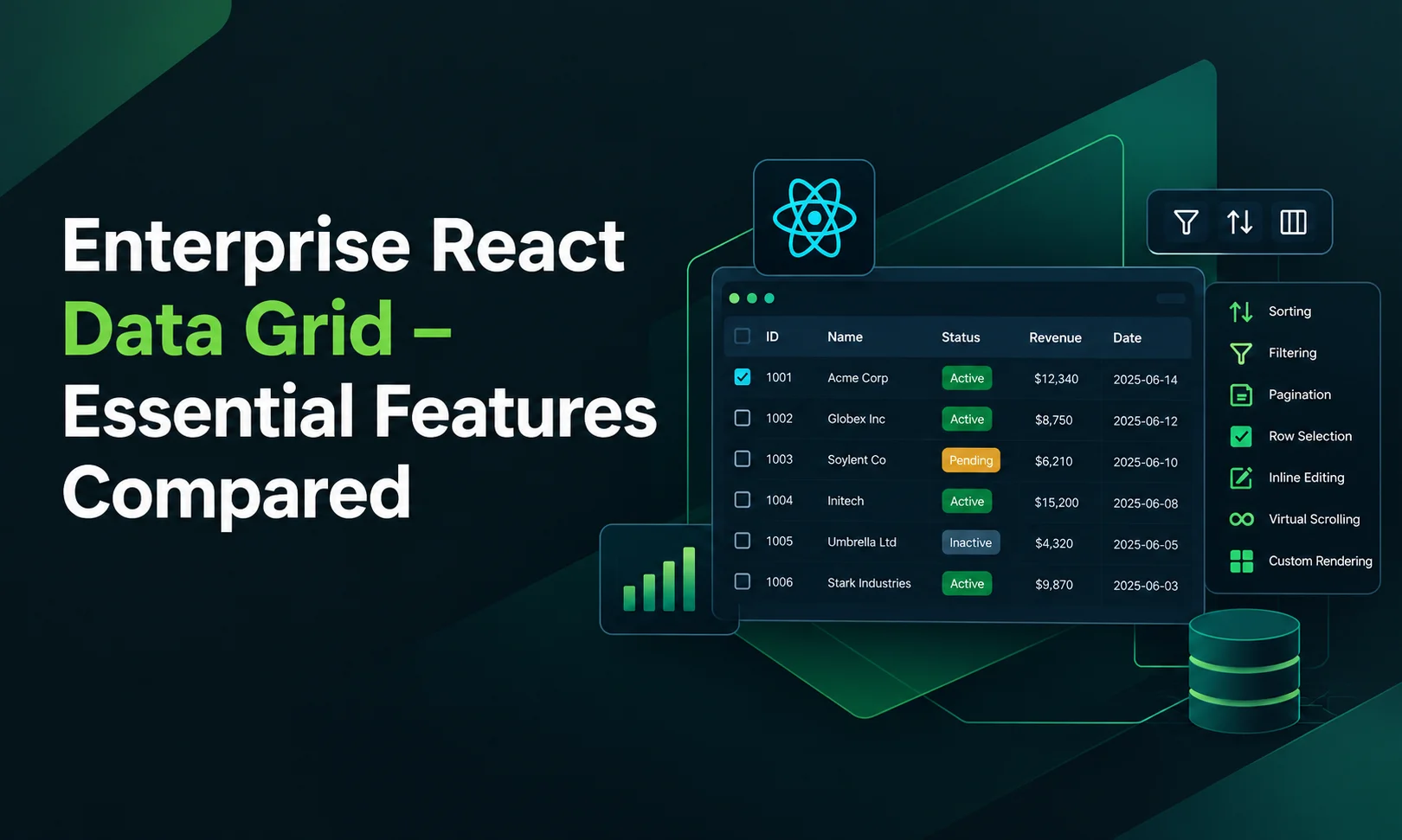
Enterprise grids are judged on features that basic tables skip. These are the ones that most often decide a purchase:
- Grouping and aggregation: rows grouped by a field, with subtotals and totals.
- Pivoting: turning rows into a summary table for analysis.
- Excel export: real XLSX files, not just CSV.
- Range selection and clipboard: selecting cell blocks and copying to and from spreadsheets.
- Tree data and master-detail: hierarchies and expandable detail rows.
- Server-side data: sorting, filtering, grouping and paging done by the server for very large datasets.
- Column pinning or locking: key columns that stay visible while others scroll.
- Multi-column sorting and filtering: sorting and filtering on several columns at once.
For a deeper look at how to test each feature, see our guide to the 12 features enterprise apps need in a React grid component.
What each enterprise React data grid includes, by tier
Each cell shows the tier that includes the feature. Free means the free or community edition; a tier name such as Enterprise, Pro or Premium means you need that paid tier; Build it means the library gives you no ready-made feature, so your team writes it.
| Feature | AG Grid | MUI X Data Grid | KendoReact Grid | Syncfusion | TanStack Table | ReExt (Ext JS grid) |
|---|---|---|---|---|---|---|
| Grouping and aggregation | Enterprise | Premium | Premium | Licensed* | Logic only; build the UI | Pro |
| Pivoting | Enterprise | Premium | Separate component; check tier | Separate component; licensed* | Build it | Enterprise (pivot grid) |
| Excel export | Enterprise | Premium | Premium | Licensed* | Build it | Enterprise (exporter) |
| CSV export | Free | Free | Free | Licensed* | Build it | Enterprise (exporter) |
| Range selection and clipboard | Enterprise | Premium | Check tier | Licensed* | Build it | Pro (spreadsheet selection, clipboard plugin) |
| Tree data | Enterprise | Pro | Separate component; check tier | Separate component; licensed* | Logic only; build the UI | Pro (tree panel) |
| Master-detail | Enterprise | Pro | Check tier | Licensed* | Build it | Pro (row expander) |
| Server-side data | Free (basic); Enterprise (server-side row model) | Check tier | Check tier | Licensed* | Logic only; wire it yourself | Pro (remote and buffered stores) |
| Multi-column sorting | Free | Pro | Premium | Licensed* | Logic only | Pro |
| Inline editing | Free | Free | Basic free; advanced premium | Licensed* | Build it | Pro |
| Virtualization | Free | Free | Premium | Licensed* | Separate library (TanStack Virtual) | Pro (buffered rendering) |
| Charts, forms and layouts from the same vendor | Charts sold separately | Yes (Material UI, MUI X) | Yes (KendoReact suite) | Yes (Essential Studio) | No | Yes (140+ Ext JS components) |
*Syncfusion includes all grid features under one license: a paid commercial license, or a free Community License for organizations with under $1 million in annual revenue, five or fewer developers and ten or fewer employees. Most enterprise teams won’t qualify for the Community License.
Reading the matrix. Three patterns stand out:
- The features enterprise teams need most are almost always paid. Grouping, pivoting, Excel export and clipboard sit in AG Grid Enterprise, MUI X Premium and KendoReact Premium.
- “Free” often means building it yourself. TanStack Table is free and powerful, but it provides logic, not UI. Editing, clipboard, export and the rendered grid are your team’s work.
- The grid is rarely the only purchase. If the app also needs charts, forms, trees and react grid layout, a grid-only product means more libraries. Suites and frameworks cover those, too.
Grid by grid
AG Grid
Model: AG Grid Community is free under the MIT license; AG Grid Enterprise is commercial.
Free includes: sorting, filtering, cell editing, CSV export, selection, pagination, infinite scrolling, basic server-side data, accessibility and theming.
Enterprise adds: row grouping and aggregation, pivoting, Excel export, range selection, clipboard operations, master-detail, tree data, the server-side row model and integrated charting.
Best fit: teams that want a dedicated, grid-only product and are ready to buy Enterprise once they need grouping, export or clipboard. If you’re comparing alternatives, our AG Grid alternatives guide goes deeper.
MUI X Data Grid
Model: three plans. Community is free under the MIT license; Pro and Premium are commercial. The grid depends on Material UI.
Free includes: sorting, filtering, editing, single-row selection and CSV export.
Pro adds: features such as multi-column sorting and filtering, column pinning, tree data, master-detail and row reordering.
Premium adds: row grouping, aggregation, Excel export, cell selection with clipboard paste, and pivoting.
Best fit: apps already built on Material UI. Note that the two most-requested enterprise features, grouping and Excel export, are two tiers up.
KendoReact Grid
Model: KendoReact Free covers a set of components and grid features with no license required; premium grid features need a commercial license.
Free includes: essential display features, including filtering, single-column sorting, column resizing and reordering, and CSV export.
Premium adds: grouping and aggregates, multi-column sorting, advanced filtering, virtualization, and Excel and PDF export.
Best fit: teams already standardizing on Progress / Telerik tools who want a broad React component library suite.
Syncfusion React Grid
Model: part of the Essential Studio suite. One license covers every component and grid feature: either a commercial license or, for eligible small organizations, a free Community License (under $1 million in annual revenue, five or fewer developers, ten or fewer employees).
Includes: the full grid feature set, plus separate pivot table and tree grid components, under the same license.
Best fit: teams that want one broad suite with no feature tiers inside the grid. Enterprise teams will typically need the commercial license.
TanStack Table
Model: free and open source under the MIT license. It’s a headless library: it handles the logic of sorting, filtering, grouping, aggregation, pagination, expanding and pinning, and you render every part of the UI.
Includes: table logic with complete control over markup and styling.
You build: the rendered grid, cell editing, range selection and clipboard, export, accessibility and keyboard navigation. Virtualization comes from a separate library, TanStack Virtual.
Best fit: teams with strong front-end capacity, highly custom designs and simpler grid requirements. The license is free; the engineering time is not.
ReExt (the Ext JS grid in React)
Model: ReExt brings Ext JS components into React. There’s no separate ReExt license: it’s included in the Ext JS Pro plan ($125 per user per month, billed annually) and Enterprise plan ($158 per user per month, billed annually), with a 30-day free trial. There’s no free production tier.
Pro includes: the Ext JS grid with grouping and summaries, multi-column sorting, typed filter menus, cell and row editing with validation, locked columns, saved column layouts, spreadsheet-style range selection and clipboard, tree panels, row expanders for master-detail, remote and buffered stores for server-side data, and buffered rendering. Pro also includes the rest of the Ext JS library: charts, forms, trees, tabs and layouts.
Enterprise adds: the pivot grid, the data exporter for Excel and CSV, the calendar and the D3 adapter, plus the highest support priority.
Best fit: data-heavy enterprise apps that need most of the advanced grid features plus the components around the grid, and teams with existing Ext JS applications that want to move to React without rewriting proven grids.
Here’s what a grouped, editable grid with summaries looks like in ReExt, all in the Pro plan:
    <ReExt
      xtype="grid"
      style={{ height: 420 }}
      config={{
        store: { data: orders, groupField: 'region' },
        features: [{ ftype: 'groupingsummary' }],
        plugins: [{ ptype: 'cellediting', clicksToEdit: 1 }],
        selModel: { type: 'spreadsheet' },
        columns: [
          { text: 'Customer', dataIndex: 'customer', flex: 1, locked: true },
          { text: 'Amount', dataIndex: 'amount', xtype: 'numbercolumn',
            format: '$0,000', summaryType: 'sum', editor: 'numberfield' },
          { text: 'Status', dataIndex: 'status' },
        ],
      }}
      onEdit={(editor, ctx) => saveOrder(ctx.record.getData())}
    />
What the full feature set really costs
The matrix shows where features live. To compare cost fairly, price the tier that includes all your must-haves, for every developer who needs a license, over three years, then add the engineering time for anything no tier includes.
A simple worksheet:
| Line | How to calculate |
|---|---|
| License | Price of the tier that includes every must-have × developers × 3 years |
| Missing features | Engineering days to build each missing must-have × loaded daily cost |
| Other components | Licenses or build time for charts, forms, trees and layouts the grid doesn’t cover |
| Upgrades | Estimated days per year keeping several libraries compatible with React releases |
As a worked example for ReExt, using Sencha’s published prices: a team of 10 developers on the Enterprise plan, which includes pivoting and Excel export, pays 10 × $158 × 12 = $18,960 per year. On the Pro plan, which covers every core grid feature but not pivoting or the exporter, the same team pays $15,000 per year. Both prices cover the full Ext JS component library, not just the grid. Run the same numbers with each vendor’s current price list.
When ReExt is the right enterprise React data grid, and when it isn’t
ReExt fits well when:
- Your must-have list includes several advanced features, such as grouping, locked columns, editing, clipboard, tree data and server-side data, and you’d rather have them built in than build them.
- The app needs more than a grid: charts, forms, trees, tabs and resizable layouts that should share one theme and one API.
- Your team already has an Ext JS application, and you want to move to React while reusing proven grids, stores and custom components.
- Long-term vendor support matters more to you than a free entry tier.
Another option may fit better when:
- You only need a simple, read-only table. A free grid or headless library will do.
- Your design system demands complete control over markup, and you have the team to build grid features. TanStack Table suits that.
- Your app is built on Material UI and needs only Community or Pro features. MUI X will fit more naturally.
- You need a free production license. ReExt has a 30-day trial but no free production tier.
Frequently asked questions
What is an enterprise React data grid?
It’s a React data grid built for business applications at scale. Beyond sorting and filtering, it offers features such as grouping and aggregation, pivoting, Excel export, range selection and clipboard, tree data, master-detail views and server-side data handling.
Which React data grid includes grouping for free?
Among the grids compared here, none of the major commercial grids include row grouping in their free tier: it’s in AG Grid Enterprise, MUI X Premium and KendoReact Premium. TanStack Table includes grouping logic for free, but you build the UI. In ReExt, grouping is included in the Pro plan.
What is a good AG Grid alternative for enterprise apps?
It depends on why you’re switching. MUI X suits Material UI apps, Syncfusion and KendoReact offer broad component suites, TanStack Table offers full control, and ReExt suits data-heavy apps that need the grid plus charts, forms and layouts, especially for teams already on Ext JS.
Is a free React data grid enough for enterprise use?
For simple, read-only tables, often yes. Once users need grouping, Excel export, clipboard or pivoting, free tiers usually fall short, and the remaining choice is paying for a higher tier or building those features yourself.
Does ReExt have a free tier?
No. ReExt is included in the Ext JS Pro and Enterprise plans, and you can try it free for 30 days.
Compare tiers, not checklists
Nearly every enterprise React data grid can do grouping, export and clipboard. What separates them is which tier includes those features, what that tier costs for your whole team, and how much of the surrounding UI you’ll still need to source elsewhere.
Mark your must-haves, find the tier that covers all of them for each grid, and add the cost of anything you’d have to build. If your list is long and your app needs more than a grid, ReExt puts the Ext JS grid, and 140+ UI components around it, into your React app under one license.
Next steps: start a 30-day ReExt trial, read How to Choose a React Grid Component: 12 Features Enterprise Apps Need, or follow the Ext JS grid in React tutorial.
Sources checked October 2026: AG Grid Community vs Enterprise feature table (AG Grid npm README and licensing docs); MUI X Data Grid feature comparison (MUI docs); KendoReact Free vs Premium (Telerik docs); Syncfusion Community License terms (Syncfusion license and forum); ReExt plans and prices (sencha.com/products/reext).


Latest Content
Performance Tuning Large Grids and Stores in Ext JS
Grids are where enterprise Ext JS applications live, and they are also where performance problems…
November 4, 2026
From JavaScript Library to React: Bringing Ext JS into Modern Front Ends
Many of today’s most important business applications started life in the era of the JavaScript…
November 4, 2026
Best JavaScript Framework for Data-Intensive Applications
“What’s the best JavaScript framework?” has no single answer, because frameworks are built for different…
November 4, 2026