Ask Sencha AI
Subscribe to our newsletter
Be the first to learn about new Sencha resources and tips.
Missed JavaScript Days 2026? The Replays Are Now Available – Watch Now!
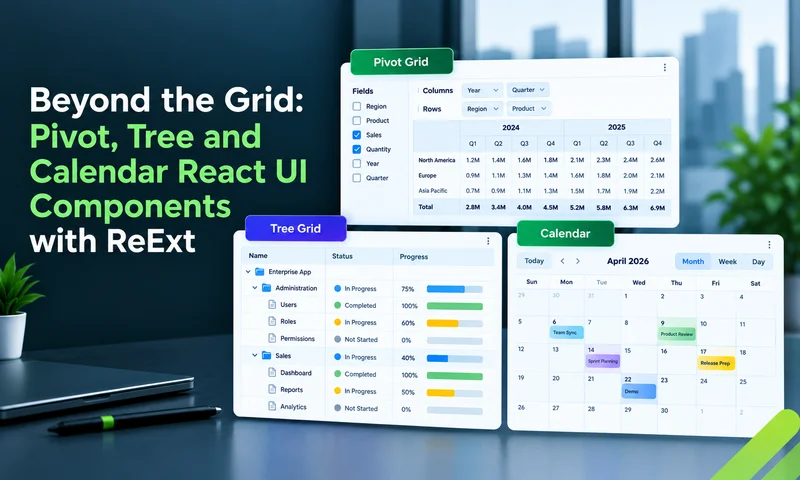
The data grid gets most of the attention in enterprise React apps, and for good reason. But grids answer one kind of question: "show me the records." Users also ask "how do these numbers break down?", "how is this organized?"…


Most teams choose a React UI component library by looking at buttons, inputs, themes and documentation, then add a data grid later. For many apps, that order works. But in enterprise apps where users spend most of their day in…
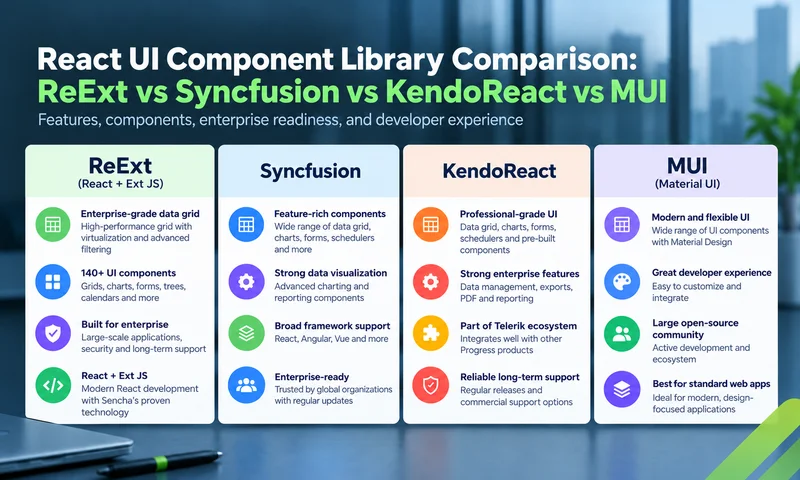
Choosing a React UI component library for an enterprise app usually comes down to a short list. Four names come up again and again: ReExt, which brings the Ext JS framework into React; Syncfusion, with its broad Essential Studio suite;…

An enterprise dashboard isn't a page of pretty charts. It's where operations managers, finance teams and analysts work all day: scanning numbers, filtering data, drilling into records and acting on what they find. That puts very different demands on the…
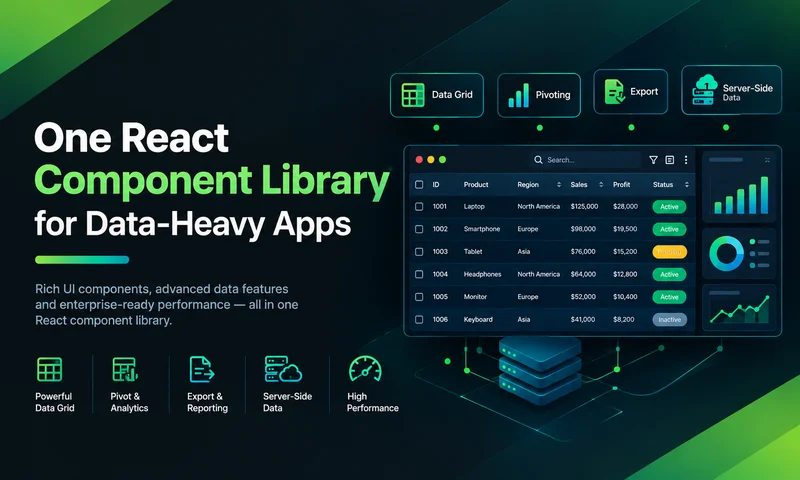
Data-heavy React apps rarely start with five UI vendors. They get there one reasonable decision at a time. The base component library has no serious grid, so the team adds one. The grid vendor's charts don't fit, so a chart…

In most large organizations, every React app has its own UI stack. One team uses MUI with AG Grid, another uses Ant Design with Recharts, a third has a homegrown table, and the legacy app still runs on Ext JS.…

Ask a React team what they use for UI, and you'll usually hear the name of a react ui component library: a set of buttons, inputs, dialogs, and tables they assemble into screens. For many apps, that's exactly right. But…
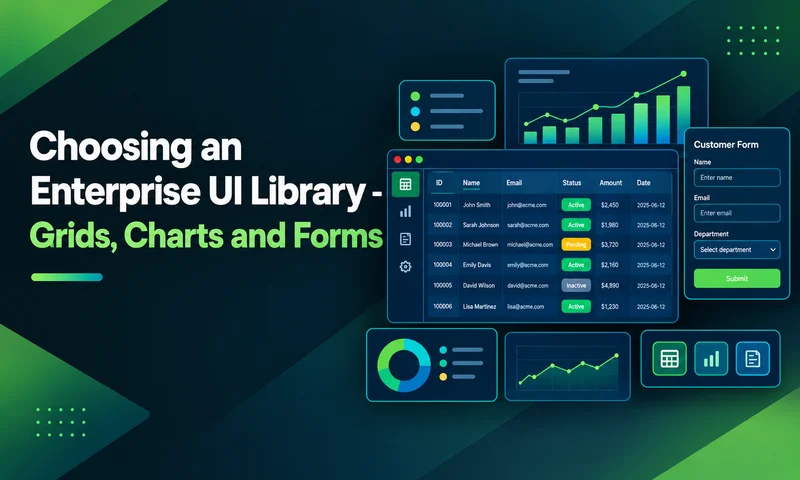
A UI component library is one of the longest-lived decisions in an enterprise front end. Frameworks get upgraded, and backends get rewritten, but the components on users' screens (the grids, charts and forms they use every day) often stay for…
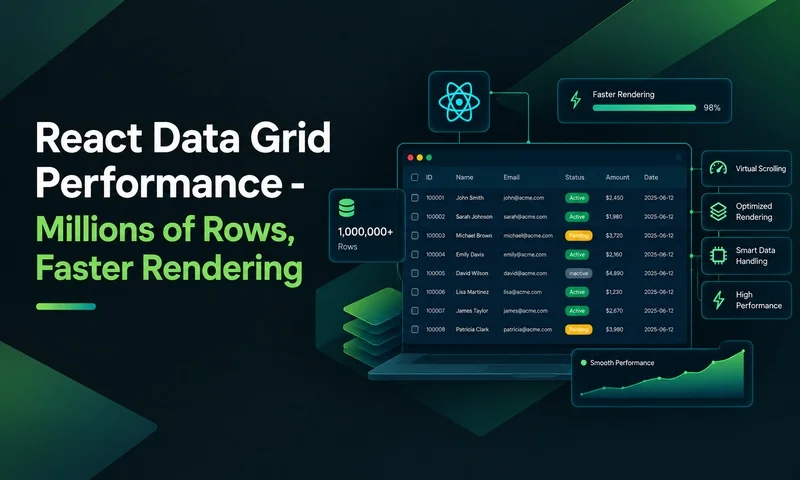
A React data grid that feels instant with 1,000 rows can freeze with 100,000 and crash the tab with a few million. The fix isn't a faster grid alone. Good data grid performance at millions of rows comes from two…
Be the first to learn about new Sencha resources and tips.